

Application Description
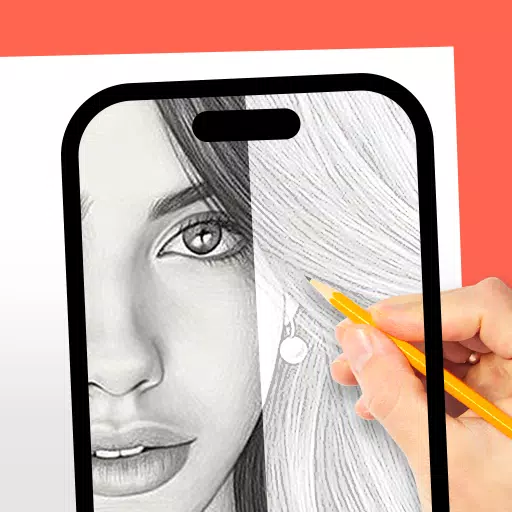
Use the DrawingAR app to trace images directly from your device's screen and recreate them on paper.
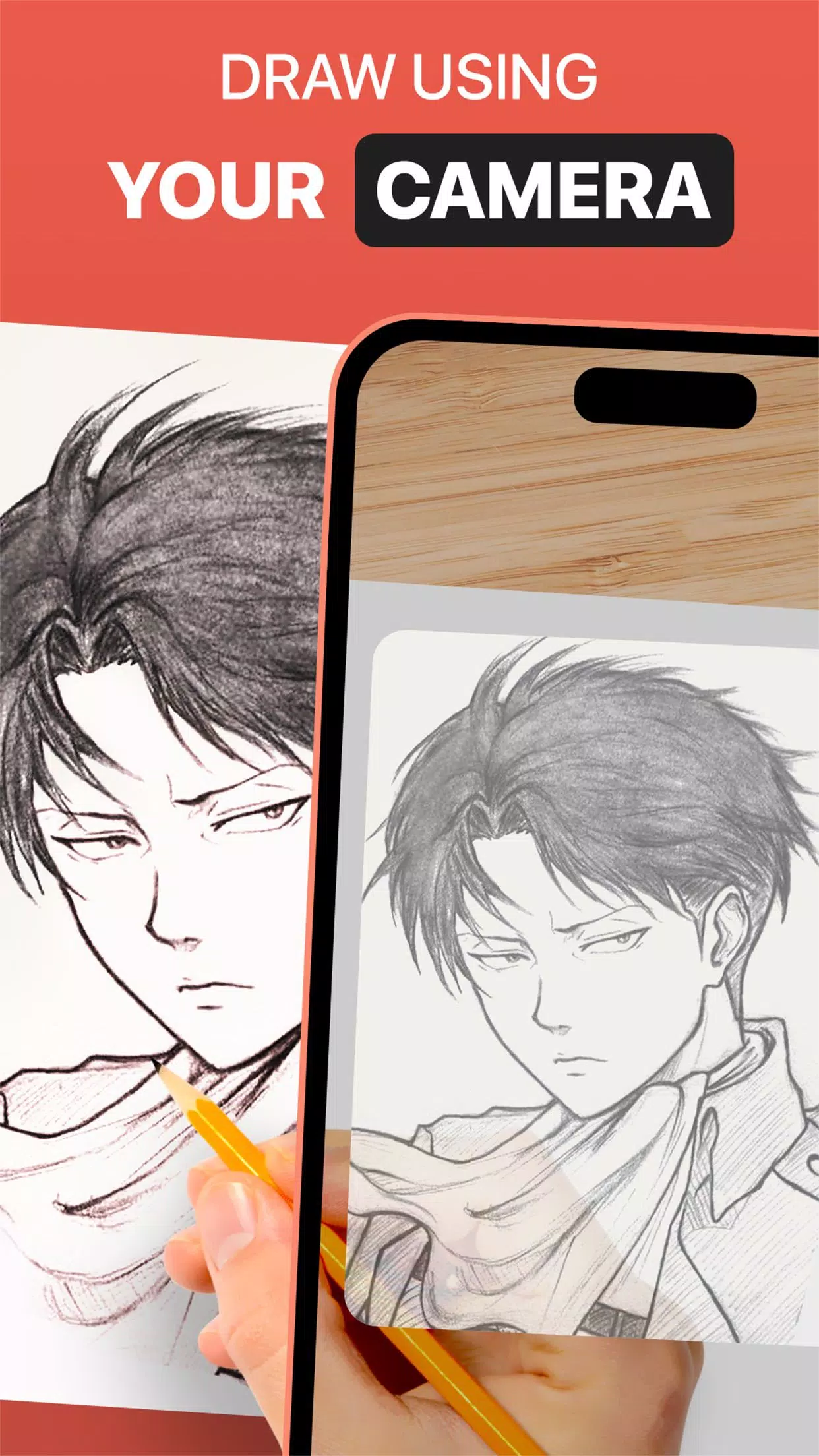
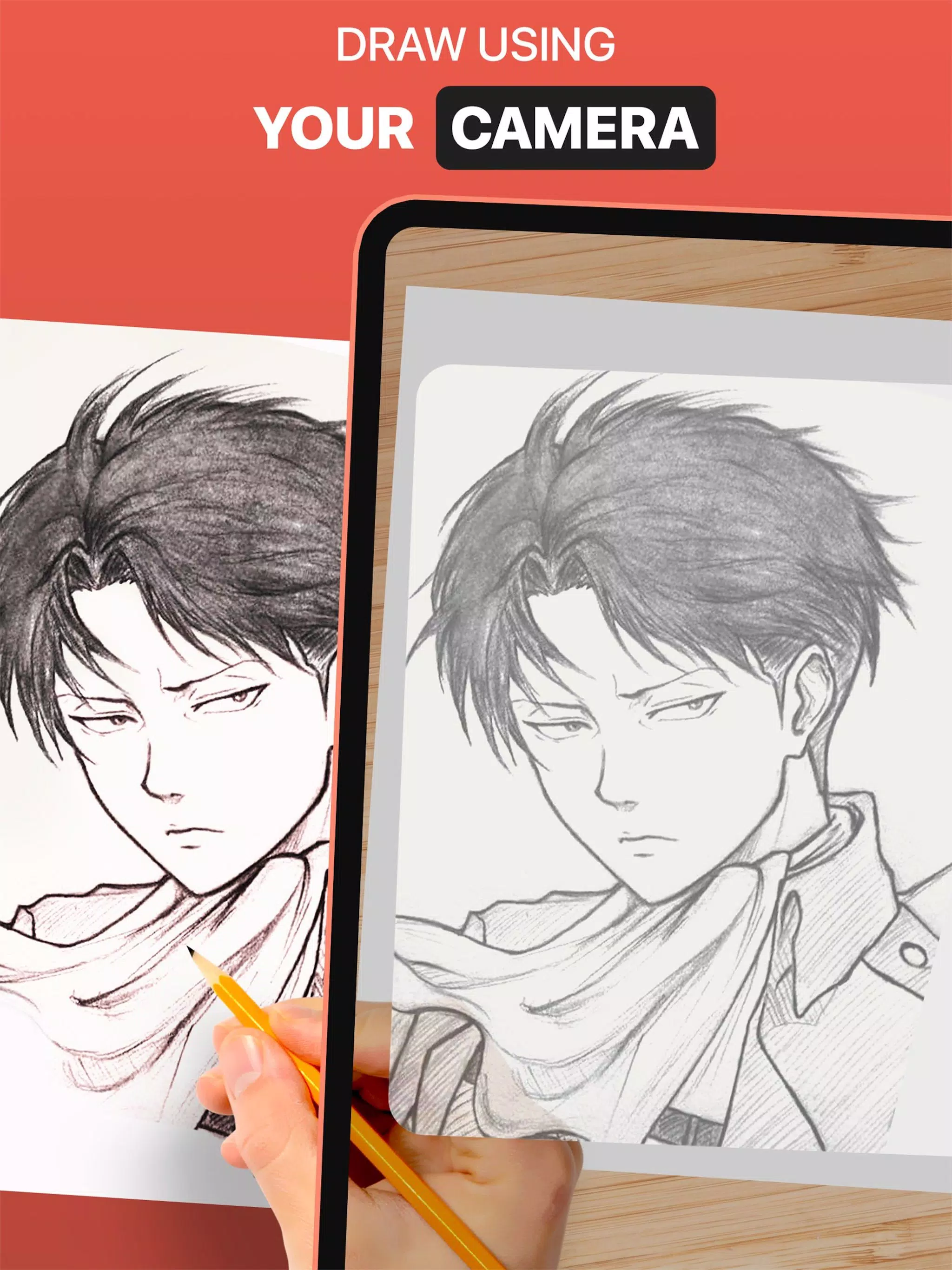
DrawingAR leverages augmented reality (AR) to project an image onto any surface, such as paper. Simply follow the on-screen traced outlines while drawing in real life for a guided tracing experience.
The Easy Drawing feature lets you import images from your gallery and overlay them with transparency. Trace the sketch or image shown on your screen, then quickly reproduce it on paper.
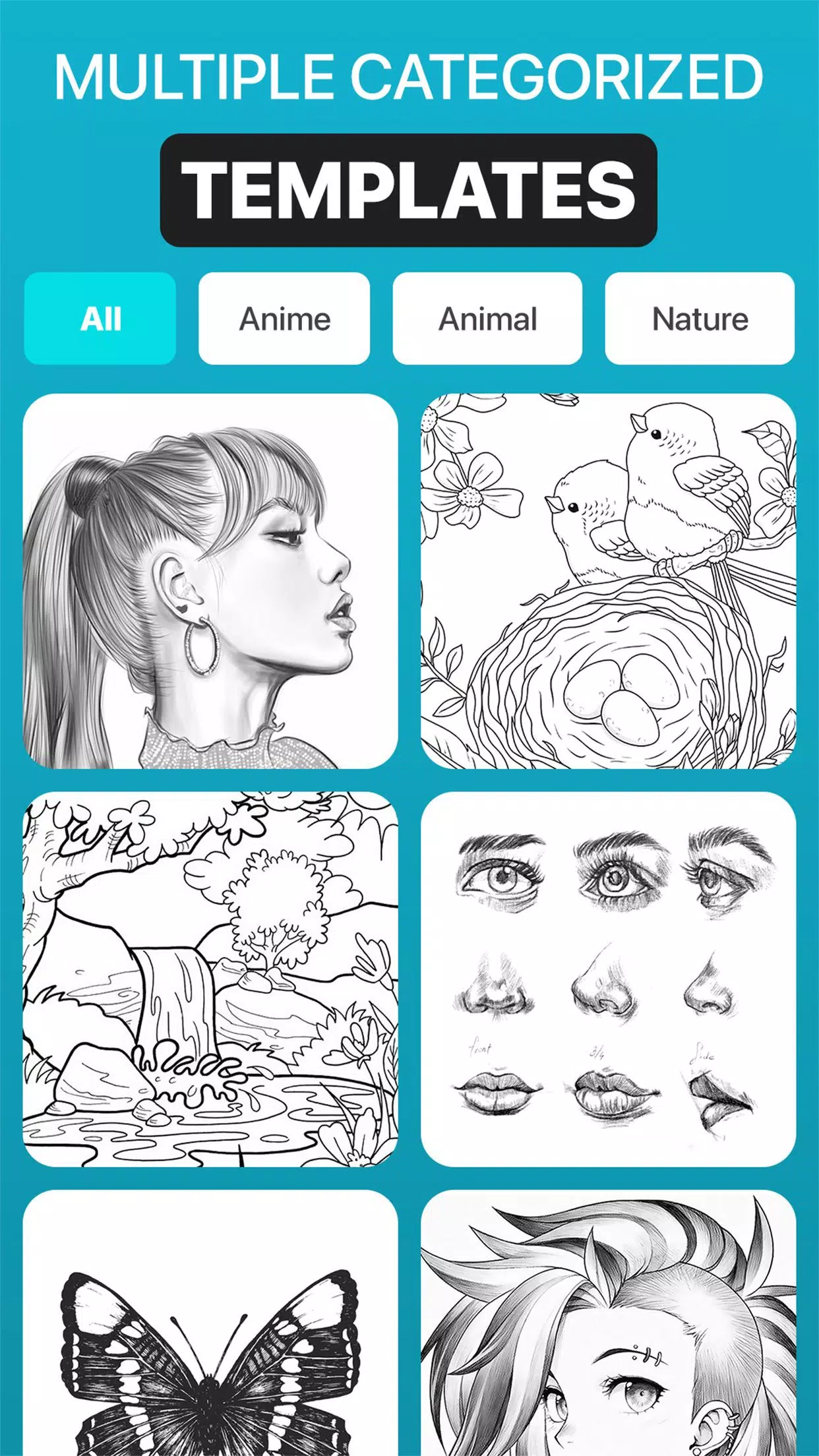
Our Sketch AR app comes with hundreds of preloaded images across numerous categories—including Animals, Cartoons, Foods, Birds, Trees, Rangolis, and many other sketches and drawings.
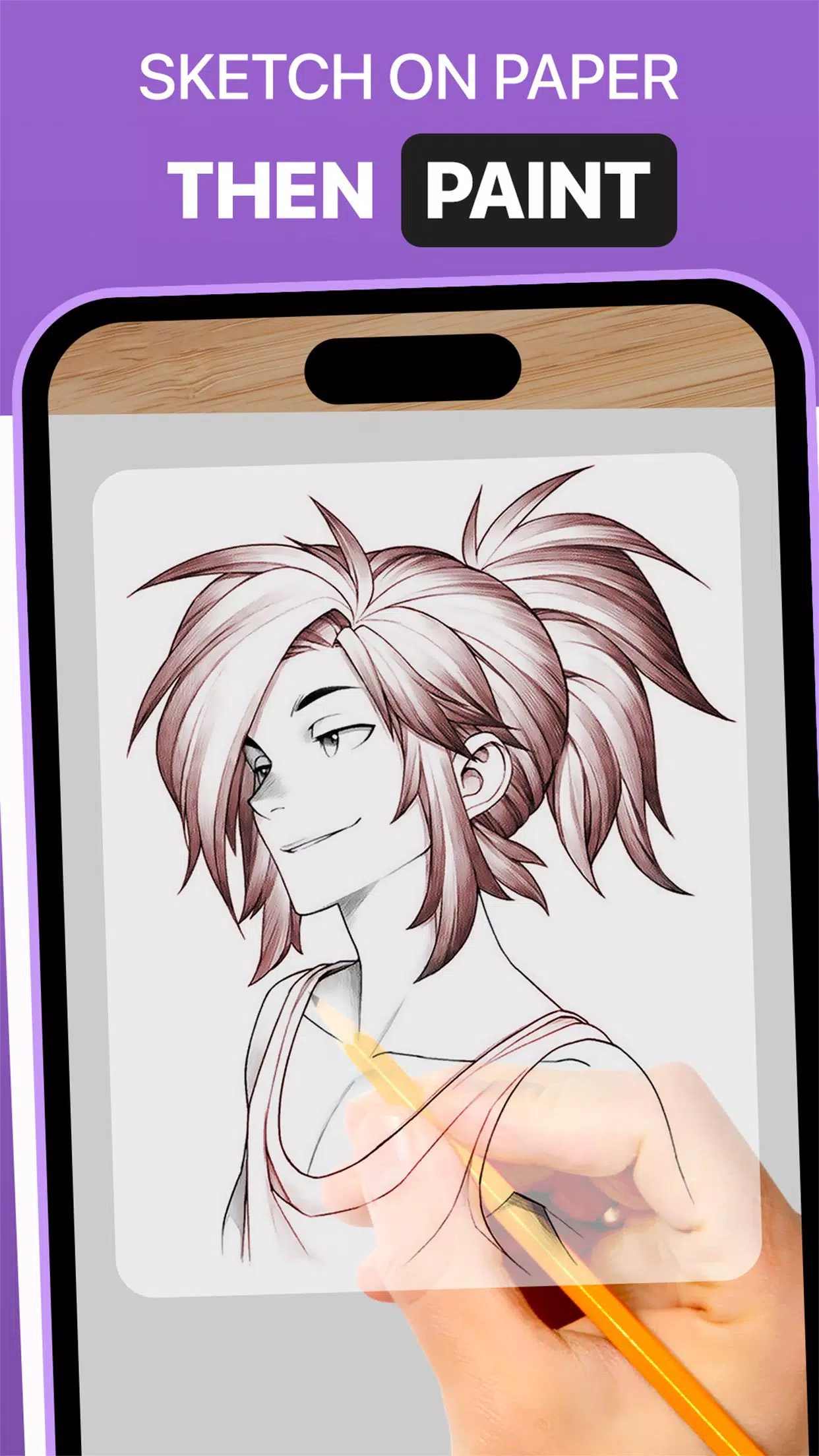
With the Trace Anything tool, you can tweak image opacity, zoom in or out, and choose from various images to trace. After completing your drawing, you can even add color using tracing paper or a sketch pad.
➤ Key Features of the AR Drawing App:
1. Image Import: Import photos or sketches from your gallery or take new ones with the camera. Use these as visual guides for tracing on paper.
2. Image Overlay: Once imported, the Trace Anything app overlays the image on your screen with adjustable opacity. This lets you see both the image and your paper at the same time. Customize opacity for easier tracing and quick sketching.
3. Built-in Browser: Browse and import easy sketches or any image type right inside the app. There's no need to download images from an external browser.
4. Transparency Adjustment: Fine-tune the opacity of overlaid images. Make the image more or less visible to suit your tracing preferences.
5. Record Video or Images: Use the in-app recording button to capture your tracing process. The app also supports time-lapse video. All recordings are saved in your device’s ‘Drawing AR’ folder.
6. Capture Your Trace Drawing: Take a snapshot of your traced art while drawing or after finishing. All captured images are stored in your device’s gallery.
7. Simple Drawing Interface: Our Sketch AR app features an intuitive UI and essential tracing tools for easy management and drawing.
➤ How to Use the AR Drawing App:
1. Download and open the DrawingAR app on your smartphone.
2. Import or choose the image you wish to trace.
3. Place your paper or sketch pad in a well-lit area.
4. Adjust the image overlay and align it properly on your screen.
5. Begin tracing the image on paper, following the details carefully.
This AR Drawing app serves as a versatile tool for artists, designers, and anyone looking to express their creativity.
AR Drawing: Trace & Sketch Screenshots
Reviews
Post Comments
Trending Games
Trending apps












Topics
More
Top-Rated Productivity Tools to Boost Your Workflow
Mind-Bending Puzzle Games for Android
Best Productivity Apps to Boost Your Efficiency
Offline Puzzle Games to Play Anytime
Explore the World of Arcade Games
Best Casino Games Online
Beauty Apps: Your Guide to Stunning Looks
Top Rated Strategy Games on Google Play
Latest Articles
More