

Application Description
Crop, trace, and layer your photos with ease - a straightforward manual editing tool.
A user-friendly image editor designed specifically for cropping and layering photos. Simple tools. No unnecessary extras!
This application lets you cut out photo elements and overlay them onto other images.
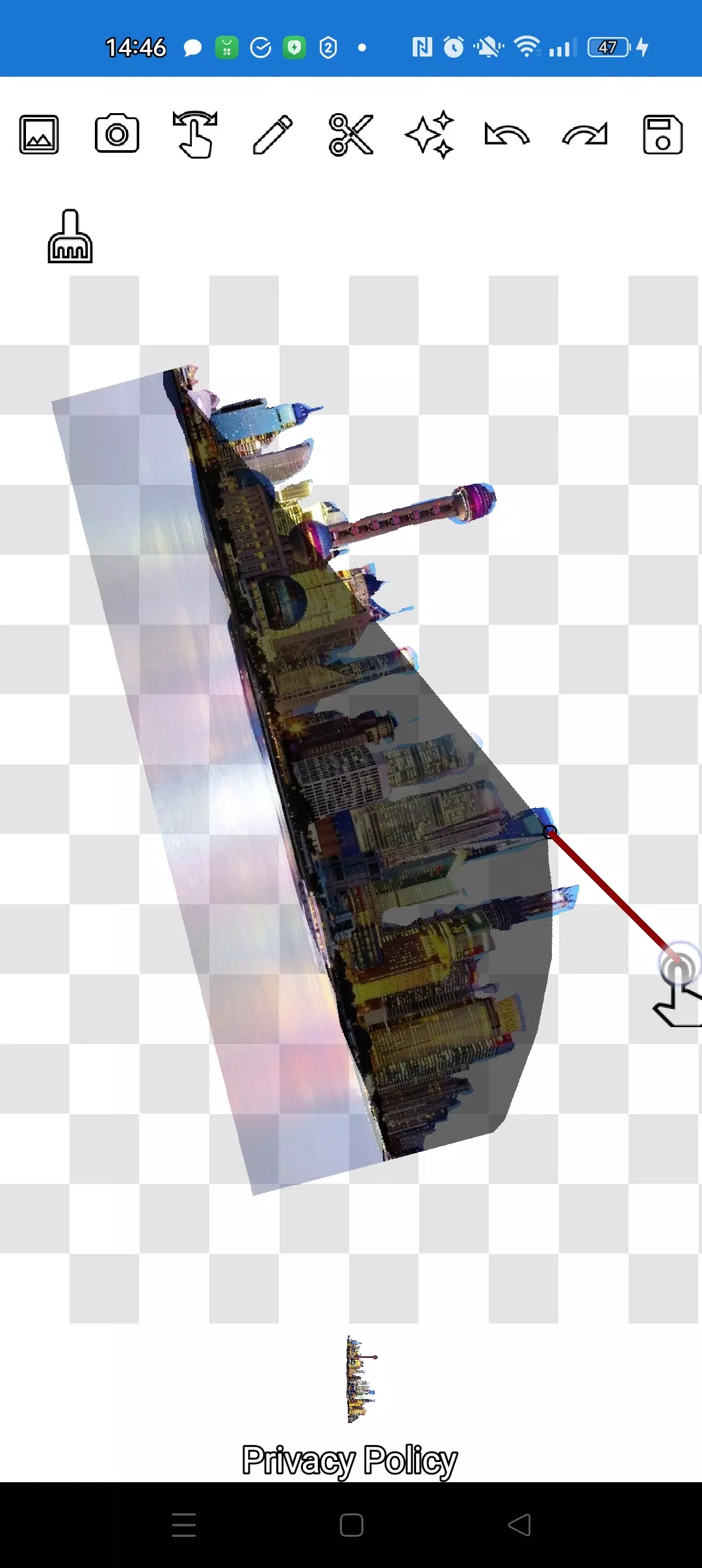
Precisely extract any object, no matter how small, using two versatile tools: the pencil ✏️ and the lasso.
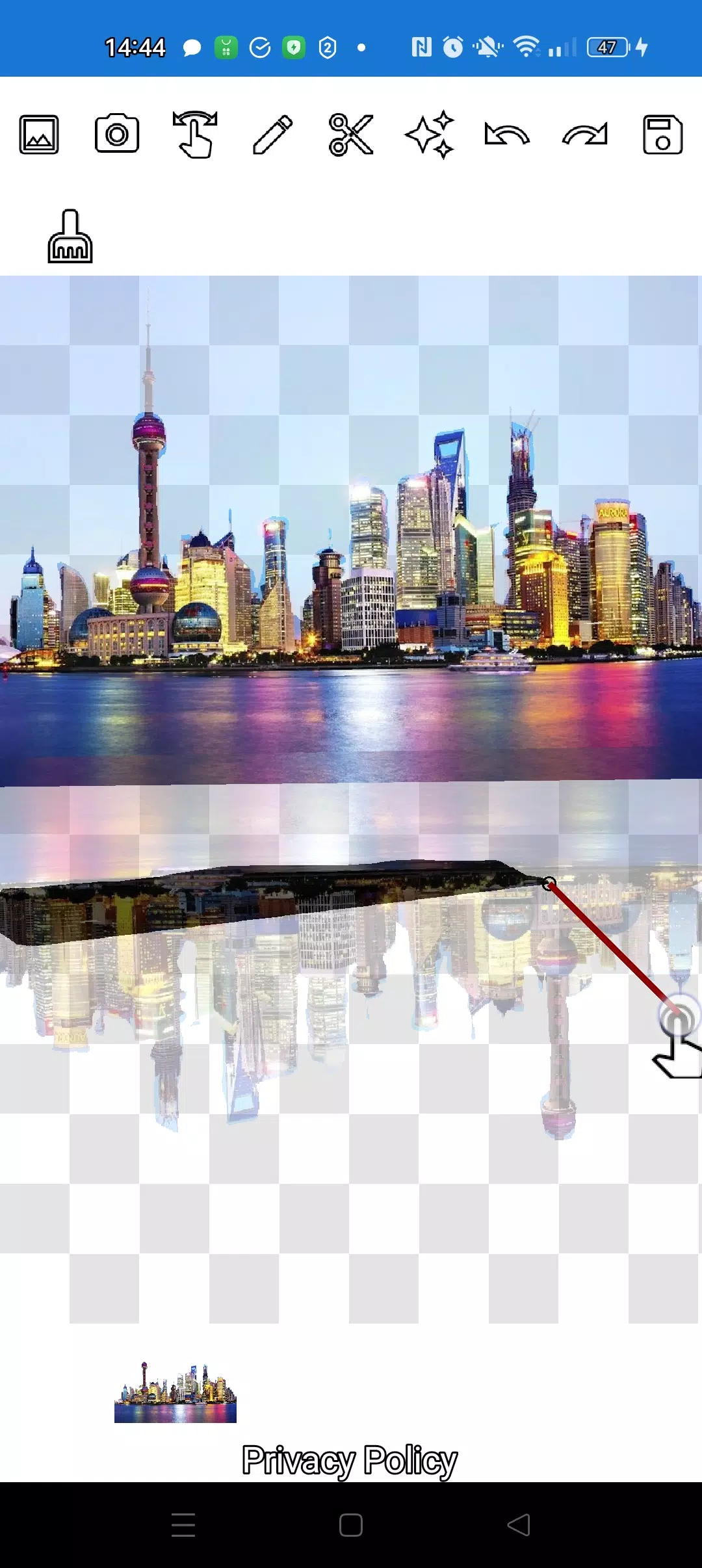
The pencil draws your selection and transforms into an eraser at your chosen transparency level. Adjust the pencil width as needed. For semi-transparent objects, set medium pencil transparency. Refine edges by tweaking transparency settings.
Tap the "magic" tool next to the save button to seamlessly blend objects into the background.
For intricate cuts, zoom in dramatically using the manipulation mode (finger gesture), then carefully trace contours with the pencil or lasso.
Create sophisticated collages and photo compositions in minutes!
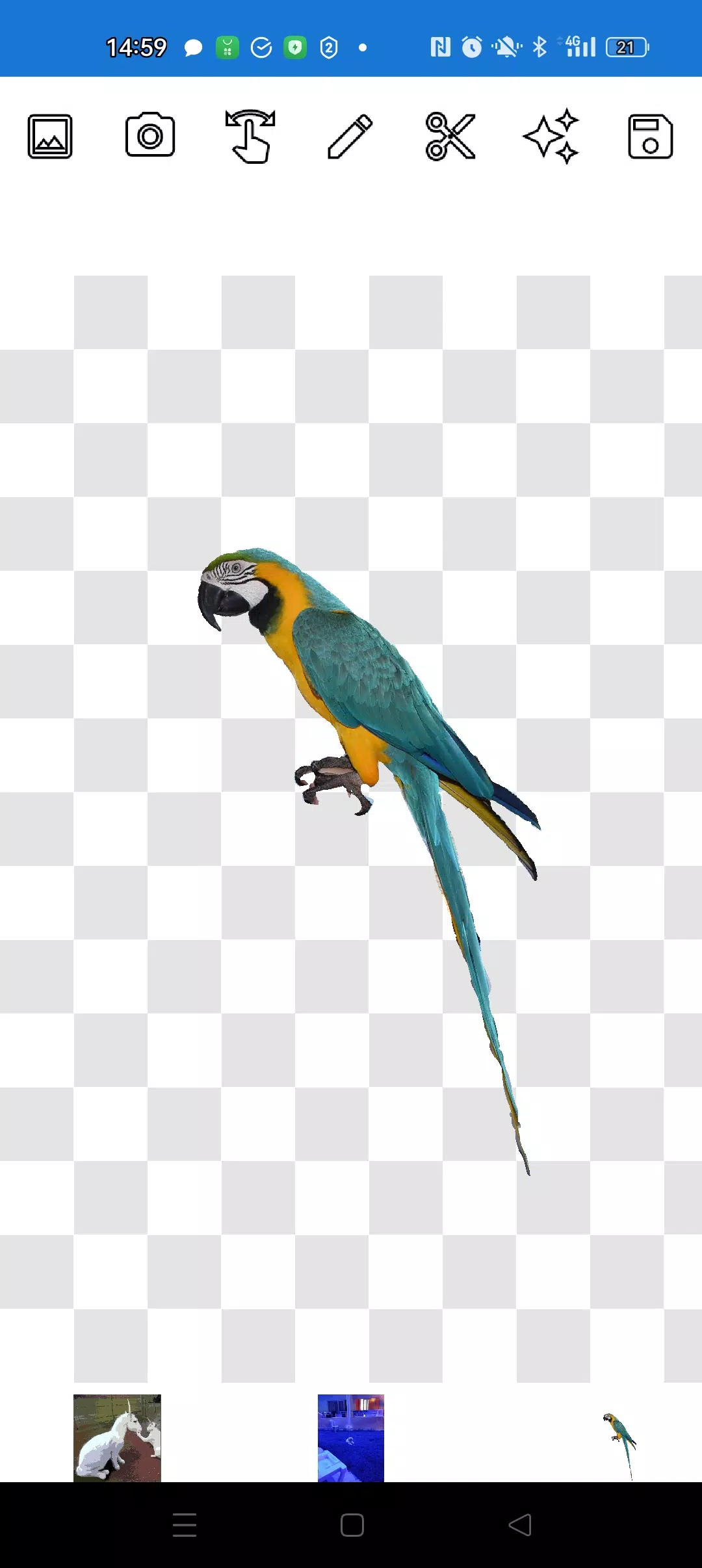
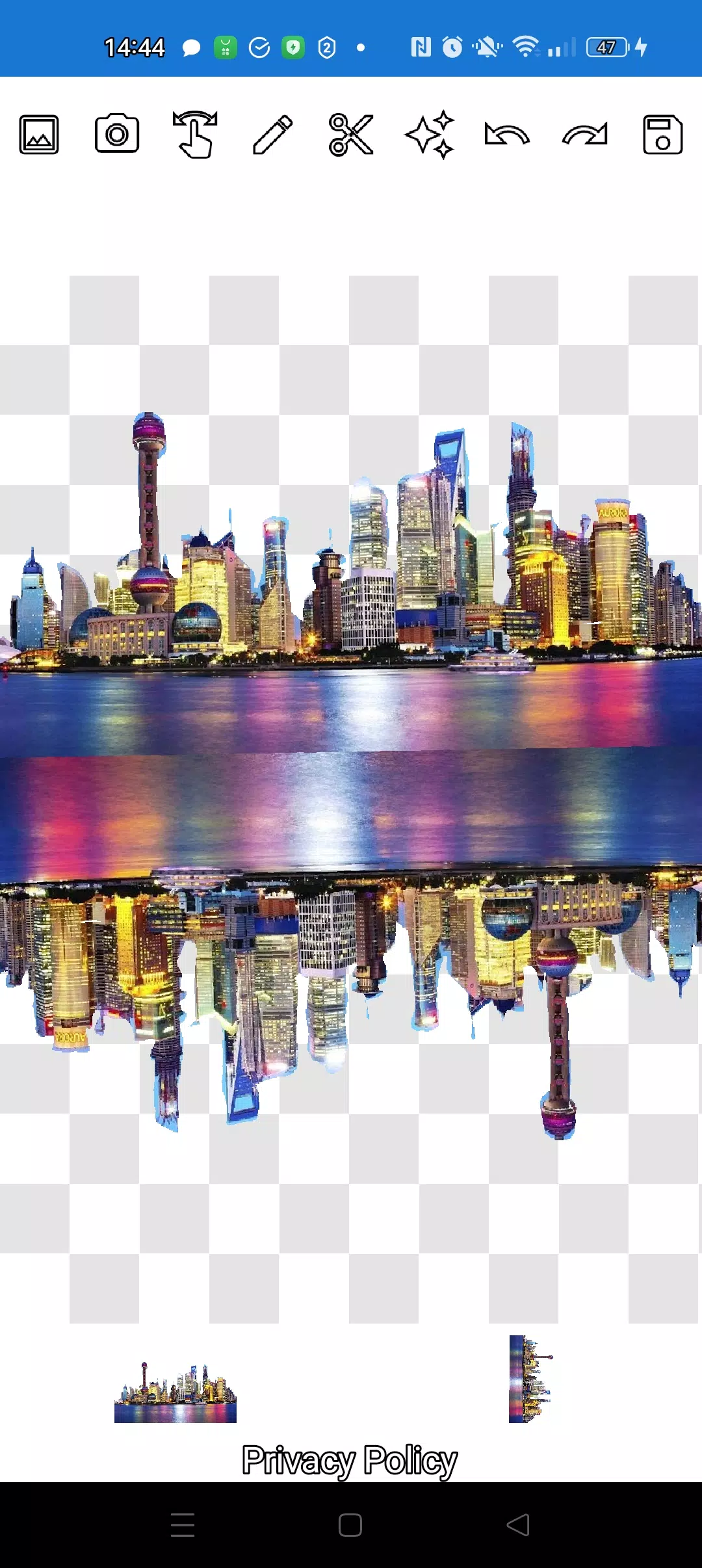
Stack unlimited layers of images. Select multiple photos from your gallery, extract elements from several, keep one as background, arrange creatively, then save your masterpiece. Pro tip: First choose overlay images for easy cutting, then select background - your overlays remain intact. Simply tap any layer at the bottom to bring it forward.
Remove unwanted images by swiping them nearly off-screen.
Save specific areas using crop selection. In crop mode, choose your desired rectangular area, tap the checkmark, and save to gallery.
Layer management is straightforward. All layers appear at screen bottom. Single-tap any layer to elevate it above others. Complete control over object and background arrangement.
The only learning curve involves switching between manipulation, pencil/eraser, and lasso modes. After brief practice, you'll master it effortlessly!
Impress social media and messaging contacts with creative visuals. Create fakes, memes, and jokes! Our app serves as your go-to tool for quick edits - perfect for social content, business needs, websites, logos, and banners when professional editors aren't available.
Use anywhere: cafes, subway, or airplanes - fully functional offline!
Simple technologies from Pimur.
Thanks for reading! Please share your feedback below - we value it greatly!)
What's New in the Latest Version 4.5
Last updated on Sep 17, 2024
Minor bug fixes and improvements. Install or update to the newest version to experience the enhancements!
Cut and move pictures Screenshots
Reviews
Post Comments
Trending Games
Trending apps









Latest Articles
More

Digimon TCG Mobile App Revealed in Trailer
Oct 05,2026