

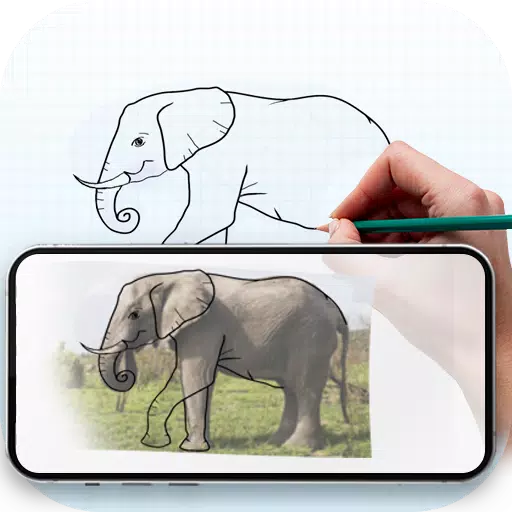
Application Description
Trace any image onto paper using your phone's camera as a guide.
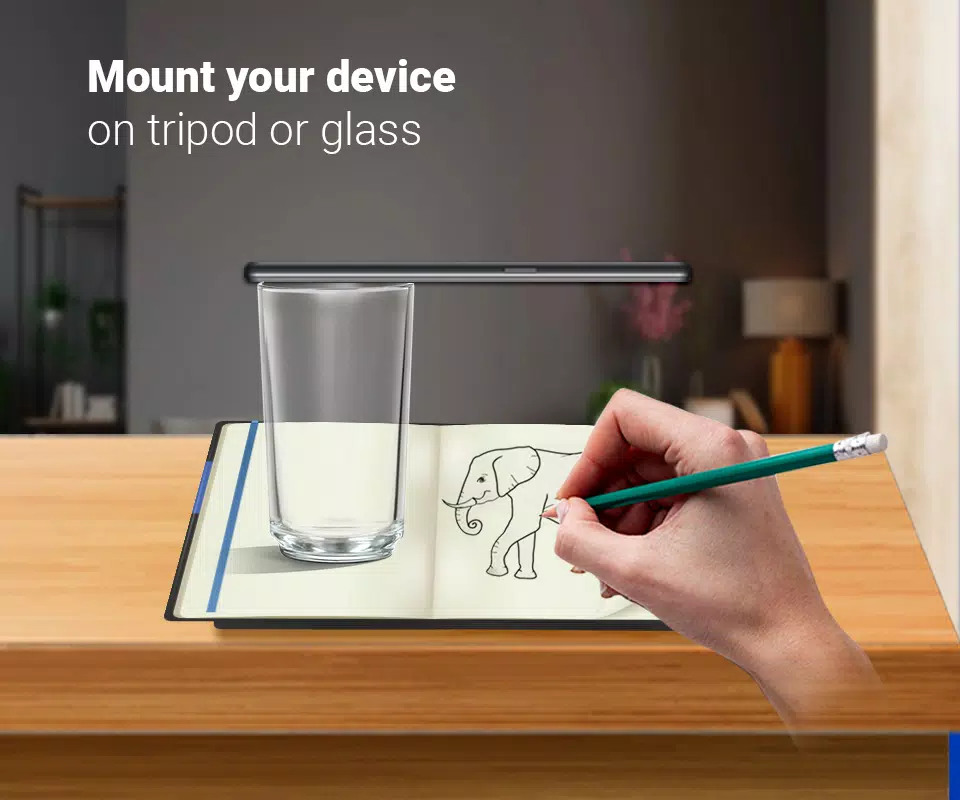
This app helps you learn and practice drawing by making image tracing simple. Just select an image from the app or your gallery, apply a filter to make it traceable, and the image will display on your screen with the camera active. Position your phone about one foot above the paper, look at the screen, and start drawing on the paper.
Key Features:
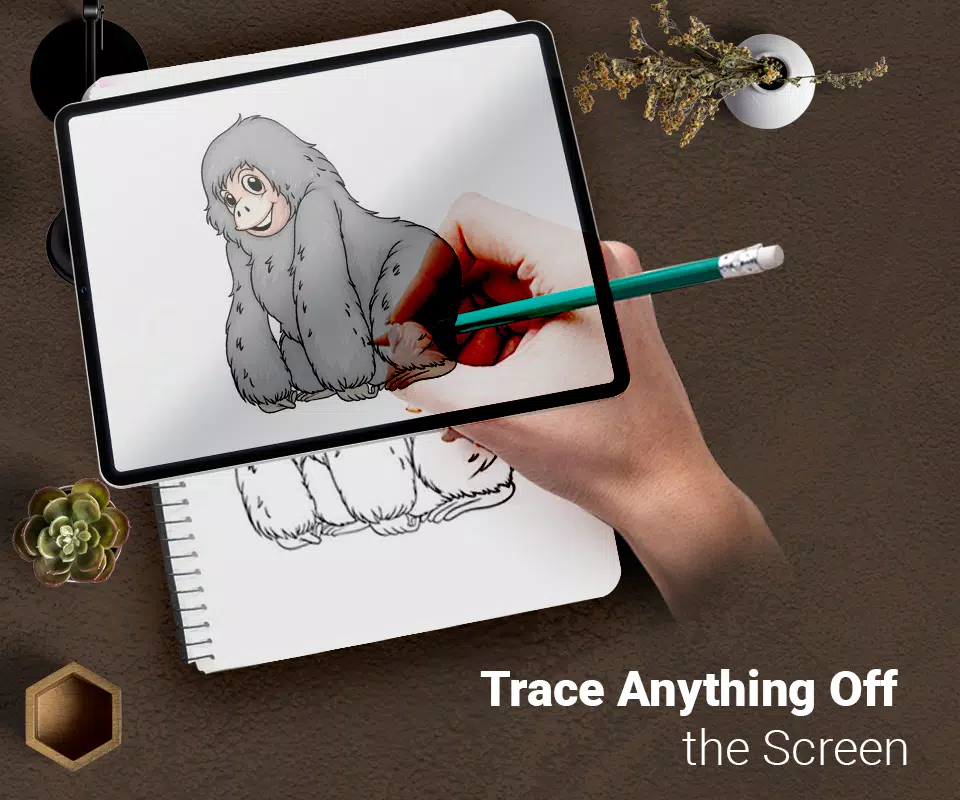
Trace any image by viewing the camera output on your phone’s screen. The image won't physically appear on the paper, but you can replicate it precisely by tracing.
Draw on paper while looking at your phone, which displays a transparent image with the camera open.
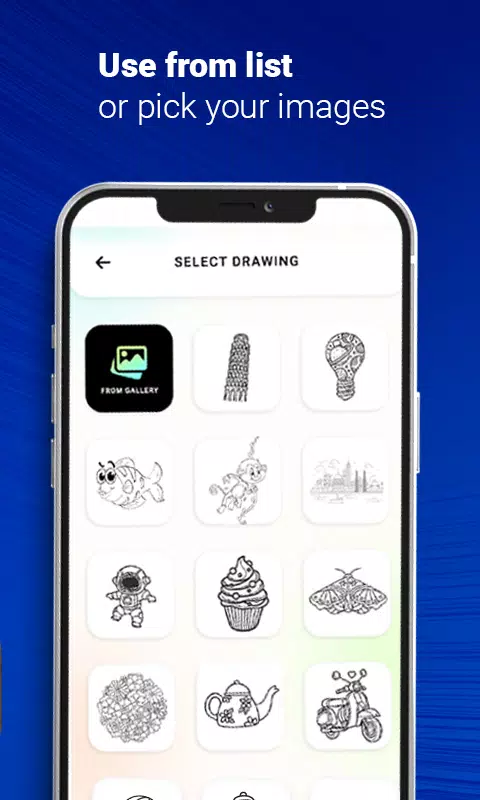
Select from sample images provided in the app and sketch them in your sketchbook.
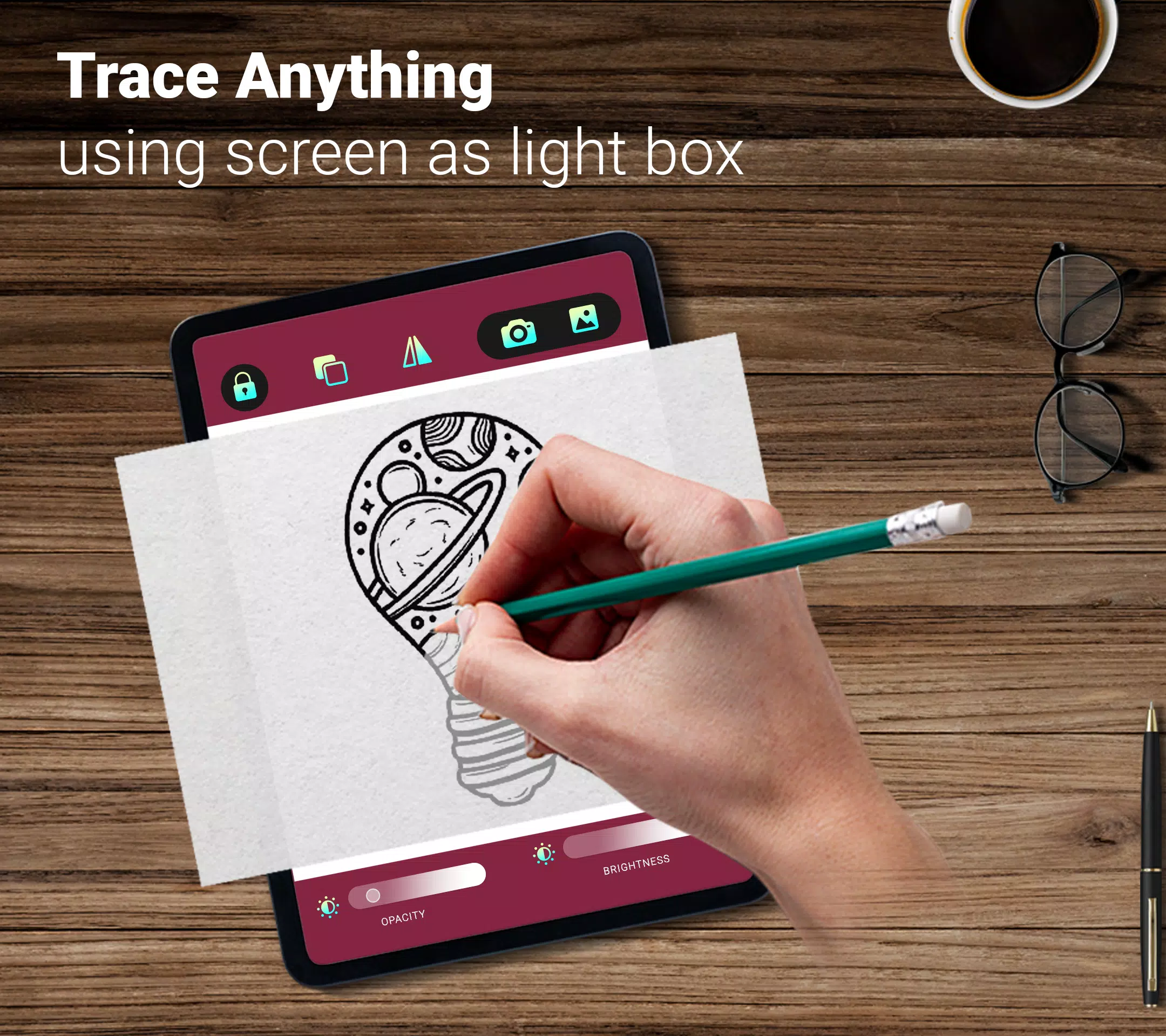
Choose any image from your gallery, convert it into a traceable outline, and sketch it on blank paper.
Adjust your image to be transparent or convert it into a line drawing to create your artwork.
Draw : Trace & Sketch Screenshots
Reviews
Post Comments
Trending Games
Trending apps












Topics
More
Top-Rated Productivity Tools to Boost Your Workflow
Mind-Bending Puzzle Games for Android
Best Productivity Apps to Boost Your Efficiency
Offline Puzzle Games to Play Anytime
Explore the World of Arcade Games
Best Casino Games Online
Beauty Apps: Your Guide to Stunning Looks
Top Rated Strategy Games on Google Play
Latest Articles
More


Digimon TCG Mobile App Revealed in Trailer
Oct 05,2026