

アプリケーションの説明
Here's a polished and professional version of your app description, optimized for clarity, user appeal, and app store readability:
CDR Viewer – Convert CorelDRAW Files to PNG, PDF, JPG & WEBP (Free)
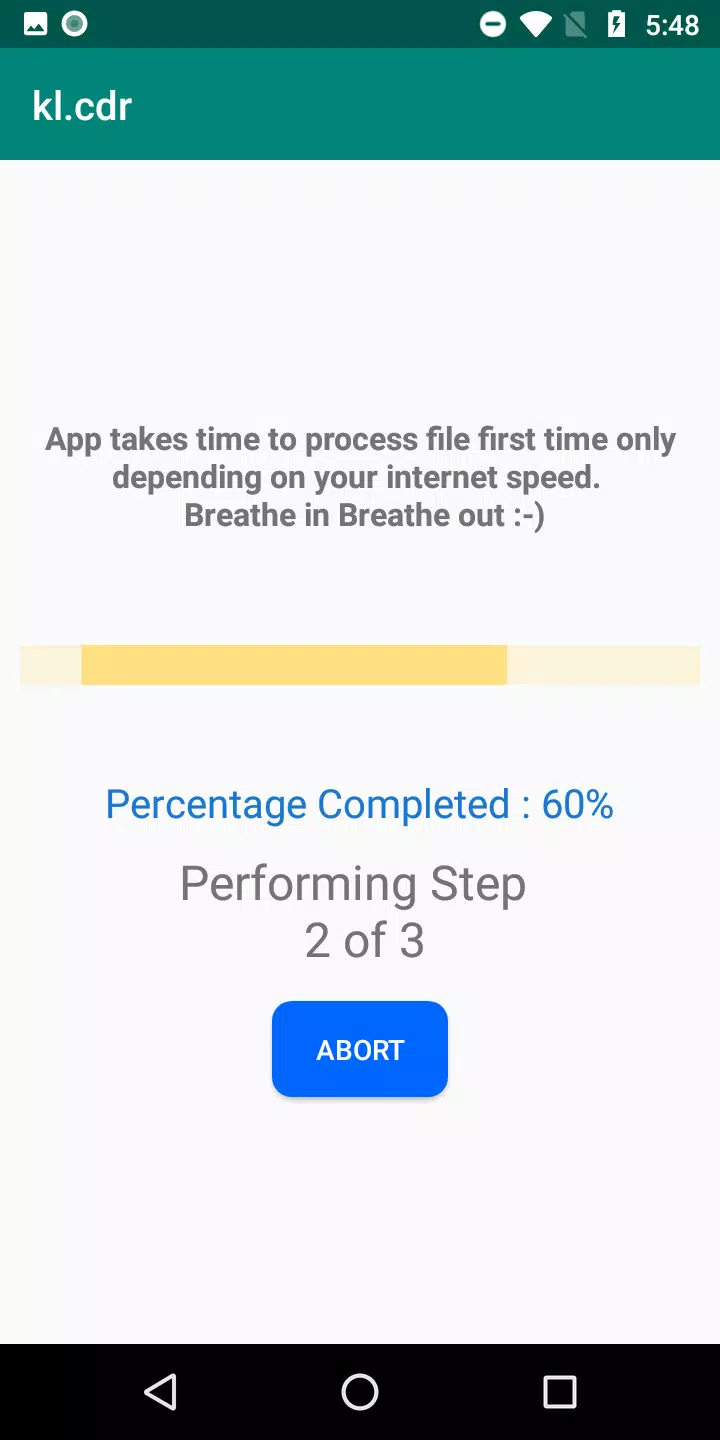
View and convert CorelDRAW (.cdr) files on your Android device — no expensive license required! Whether you're a designer, student, or professional, our CDR Viewer app gives you full access to your vector files anytime, anywhere.
✨ Why You’ll Love It:
✅ Convert CDR to PNG, PDF, JPG, or WEBP – Seamlessly turn your .cdr files into widely compatible formats.
✅ No License? No Problem! Open and view CDR files without needing CorelDRAW.
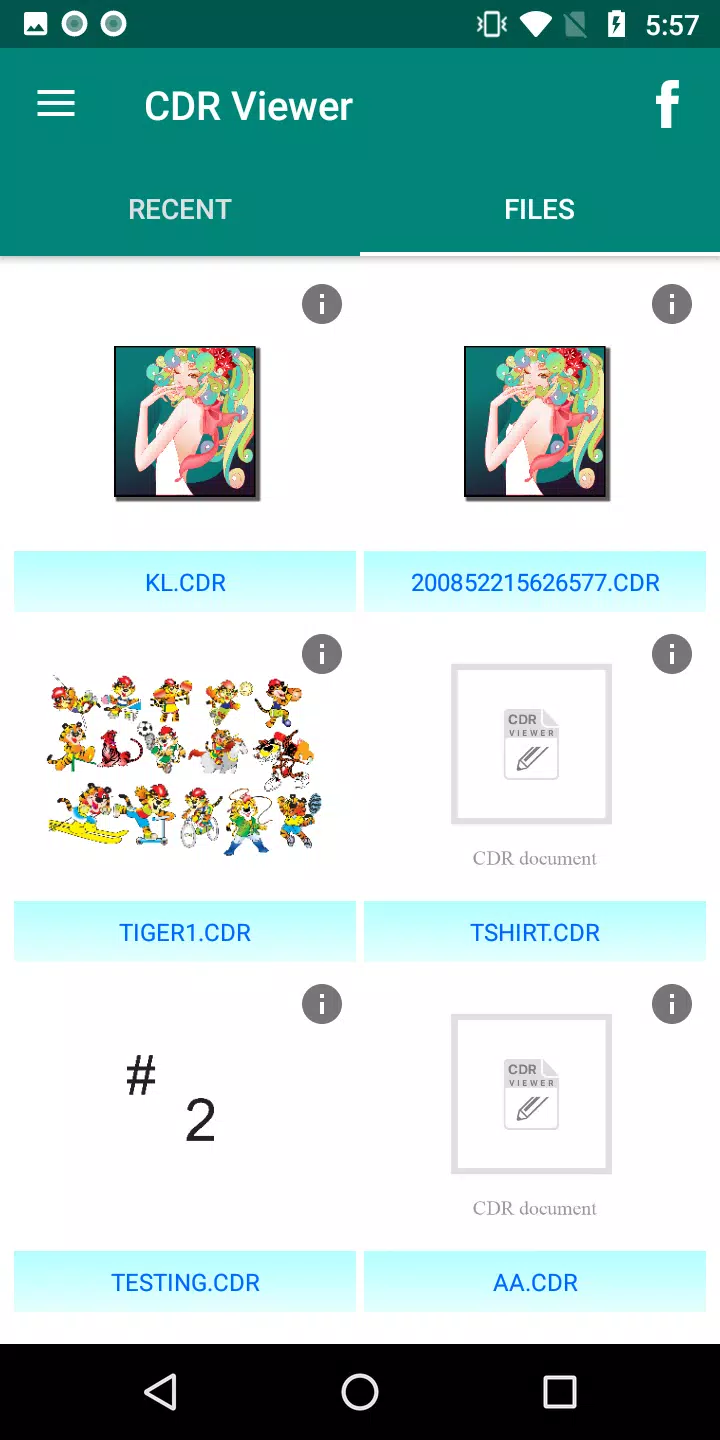
✅ Instant Preview – Browse all .cdr files stored on your phone or tablet.
✅ Pinch-to-Zoom – Zoom in and out for detailed previews of your designs.
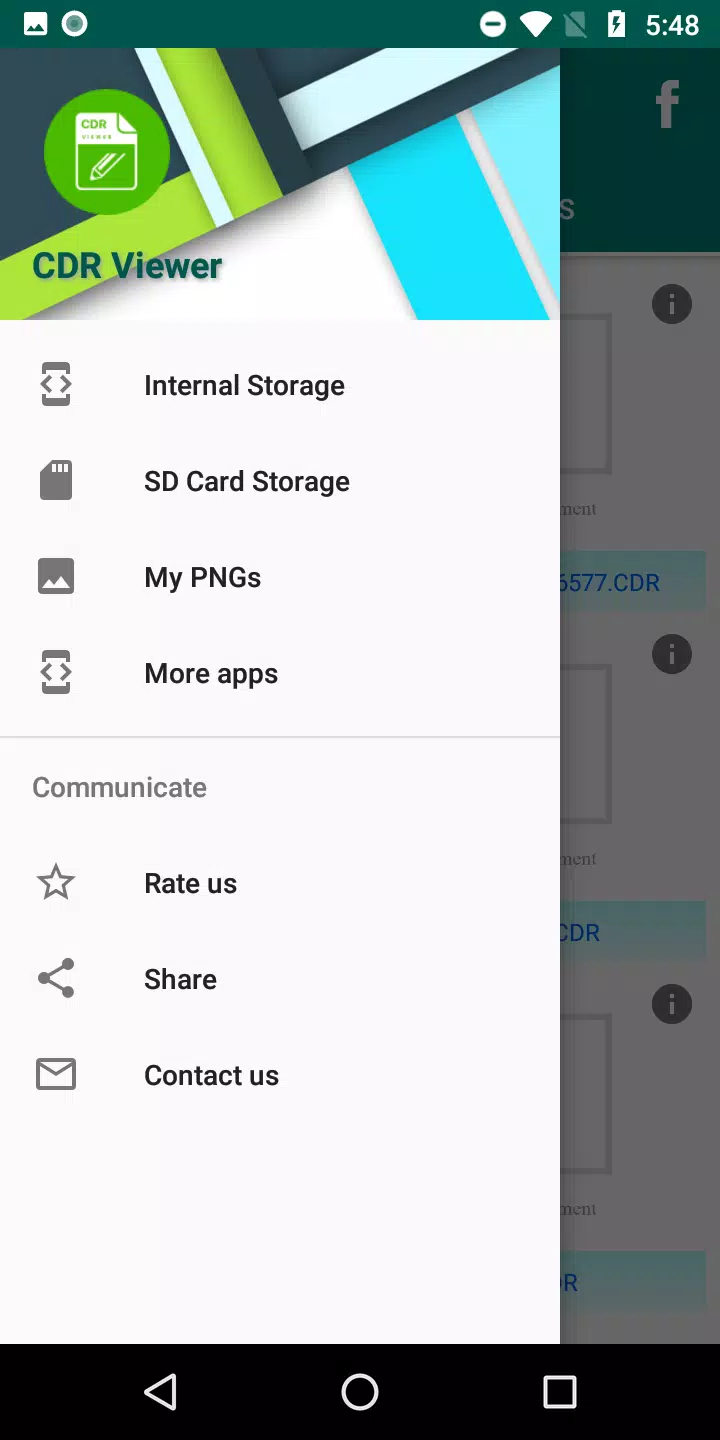
✅ My PNGs Section – Easily access and manage all your converted images.
✅ Lightning-Fast Performance – Faster loading and smoother navigation in v5.8.
✅ Fewer Ads, More Fun – Enjoy a cleaner experience with reduced advertisements.
✅ Earn Rewards – Get free conversions to PDF on special occasions!
📧 Need Help?
Contact us anytime at: [email protected]
Or tap the "Contact Us" button in the app.
🔥 What’s New in Version 5.8 (Updated: October 10, 2024)
- 🎁 Earn Free PDF Conversions – Unlock free CDR-to-PDF conversion on select events.
- 🚀 Improved Performance – Faster loading and smoother operation.
- 🖼️ Enhanced Export Quality – Better image clarity when converting to PNG, JPG, and WEBP.
- 📱 Better Compatibility – Works seamlessly across Android devices and screen sizes.
Download CDR Viewer today and turn your CorelDRAW files into shareable, viewable images — fast, free, and easy!
Let me know if you'd like a shorter version for Google Play Store listing, a promotional social media post, or a feature highlight card!
CDR File Viewer のスクリーンショット
レビュー
コメントを投稿する
トレンドのゲーム
トレンドのアプリ










最新記事
もっと

「ピエール・ザ・メイズ・ディテクティブ」がAndroidで独占配信開始
Sep 15,2026
『ガンナフリーファイア』がNetflix大ヒットシリーズ『スQuidゲーム』とサプライズコラボ
Sep 10,2026
Bilibili Games、2024年に『呪術廻戦』モバイル版を全世界でリリース
Sep 09,2026