

アプリケーションの説明
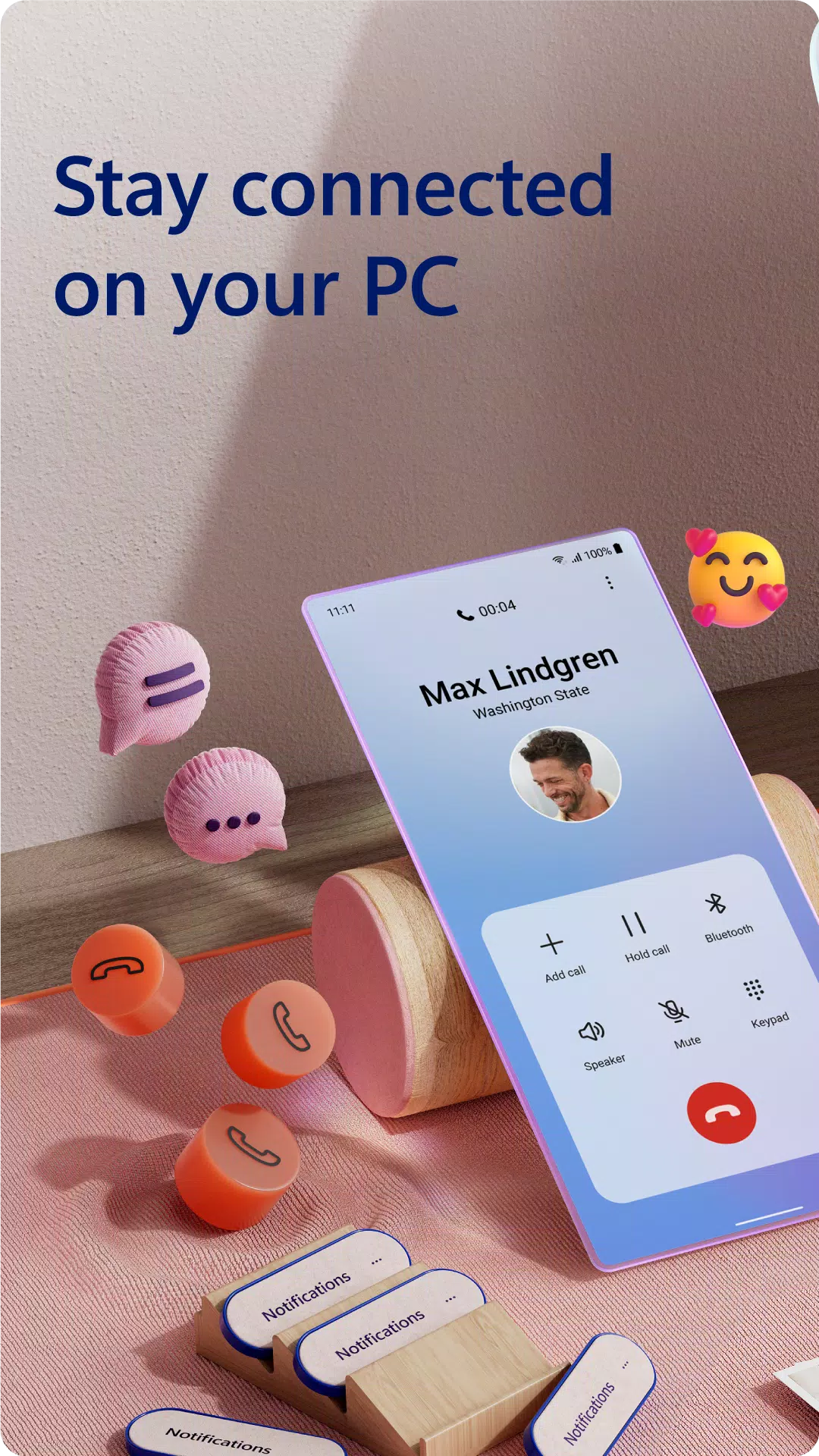
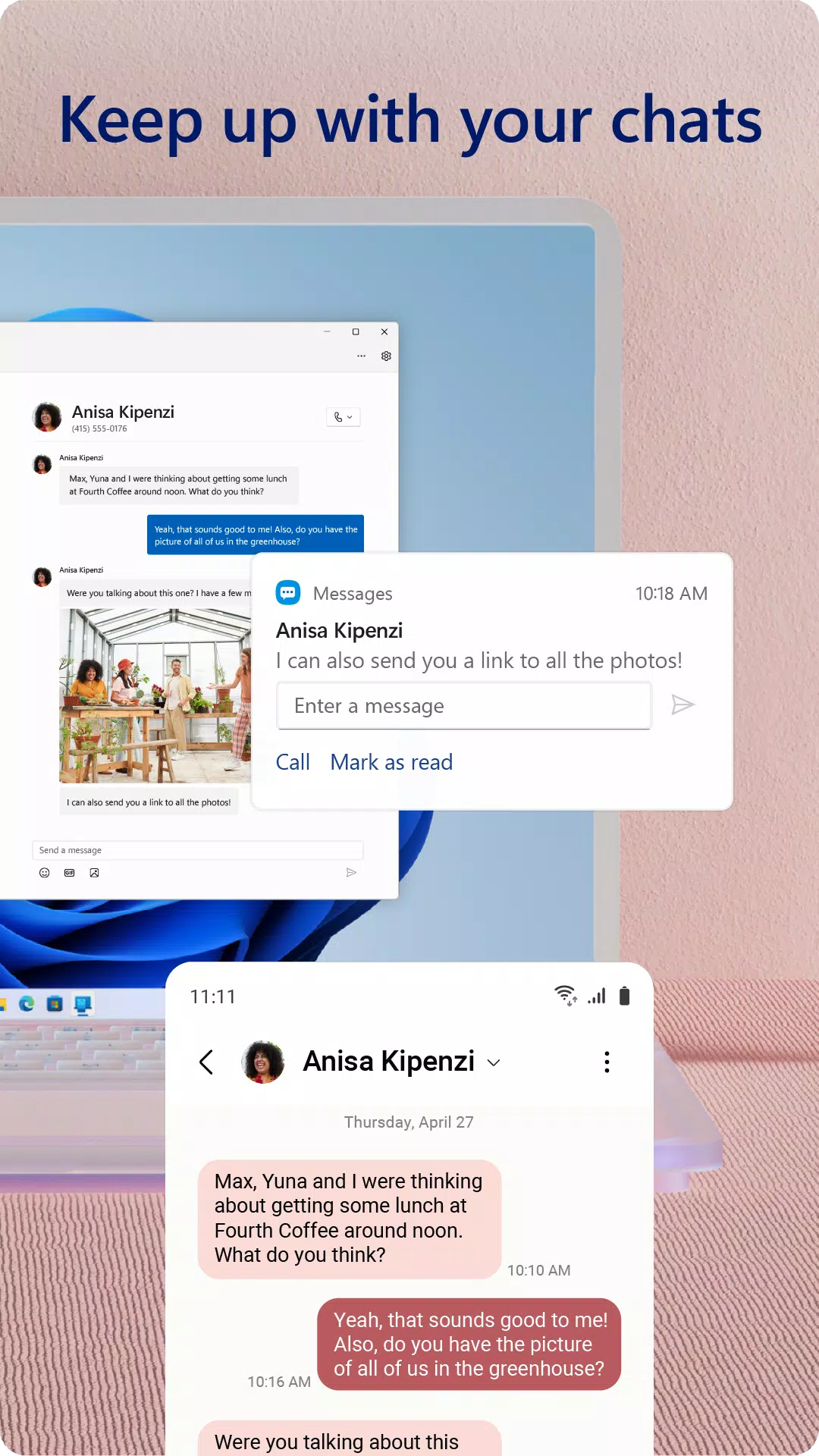
通知のアクセス、通話の管理、アプリの閲覧、写真の表示、さらにはテキストへの返信など、PCからAndroid携帯電話を完全に制御できることを想像してください。 Windowsアプリへのリンクを使用すると、このシームレスな統合が現実になります。 Androidデバイスにアプリをインストールし、Windows PCの電話リンクアプリに接続して、デジタルエクスペリエンスの合理化を開始します。
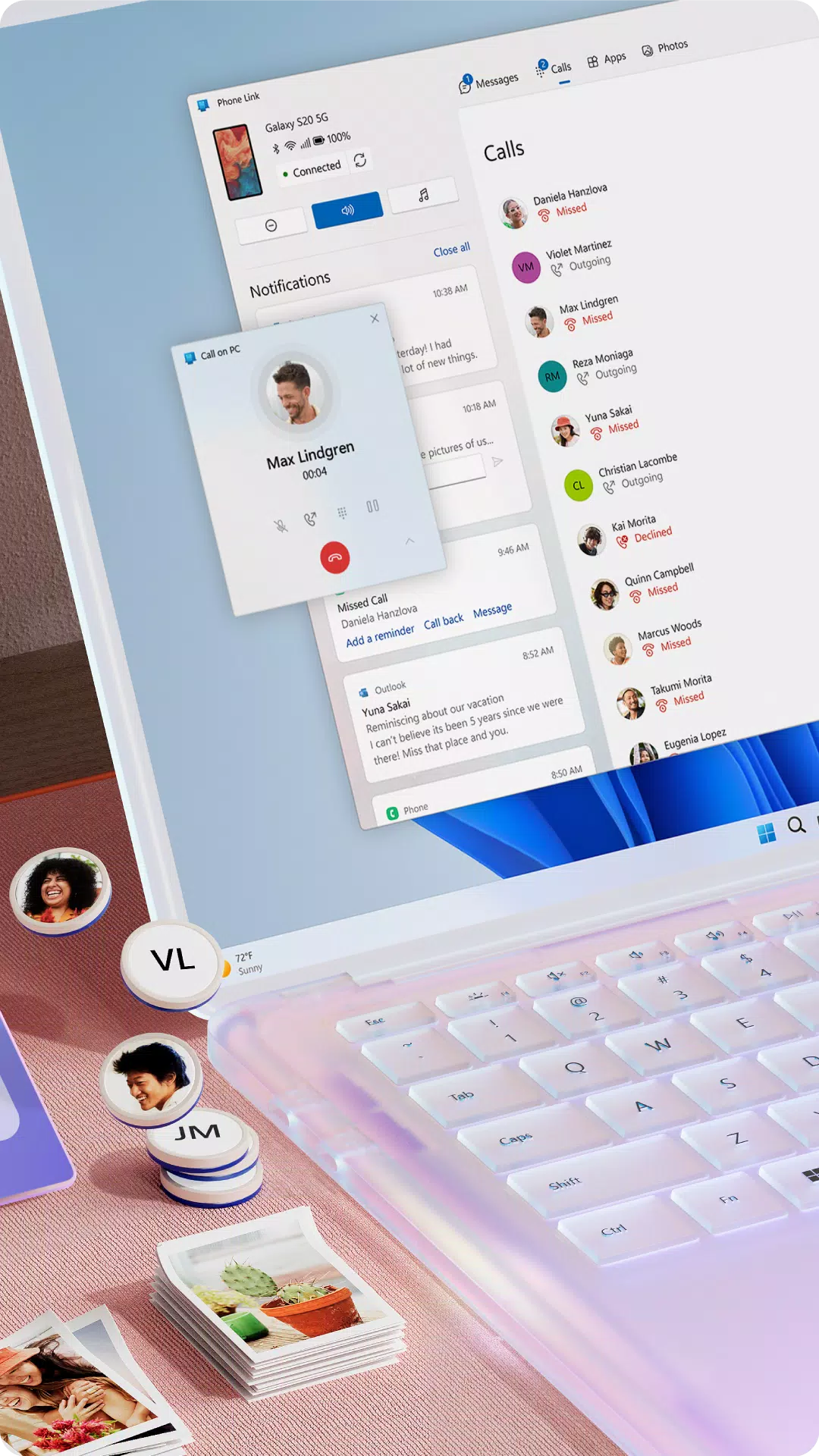
リンクしたら、テキストメッセージに簡単に返信し、電話をかけて受信し、コンピューター画面からすべての重要な通知の上に留まることができます。自分の写真を電子メールで送信したり、常にデバイス間を切り替えたりする手間に別れを告げます。携帯電話とPCの間でファイルを簡単に共有し、コピー、編集、さらにはドラッグアンドドロップします。
電話リンクの重要な機能
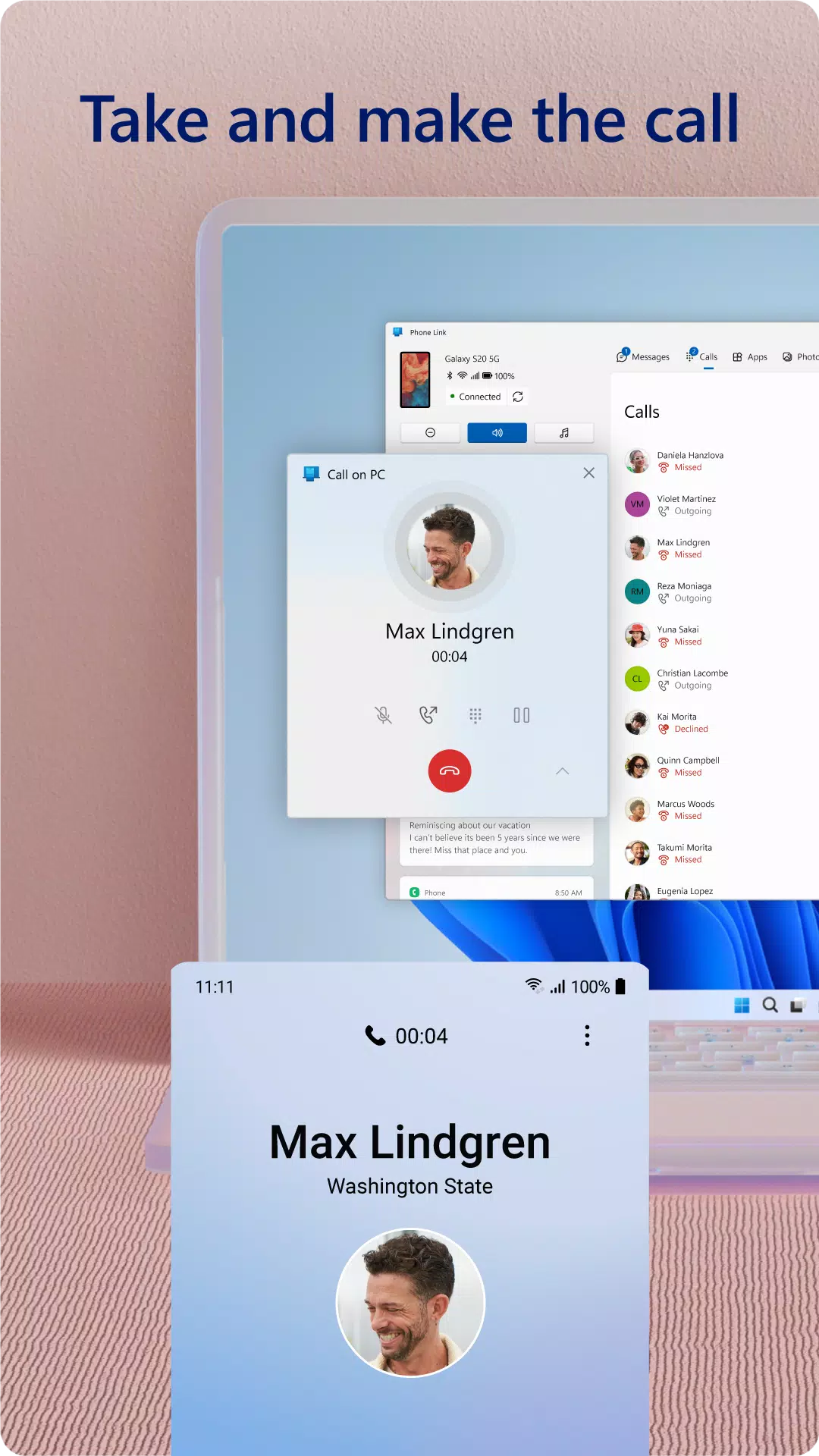
- 統合を呼び出す: PCから直接電話をかけて受け取る
- 通知管理:デスクトップからのAndroidスマートフォンのアラートを追跡して応答します
- アプリアクセス: PCでお気に入りのモバイルアプリを起動およびやり取り\* \*
- テキストメッセージング:コンピューターの快適さからSMSメッセージを読んで返信する
- ファイル共有: PCと電話の間にファイルをドラッグアンドドロップします\*\*
- シームレスコピー&ペースト:デバイス全体にテキストとコンテンツを転送\*\*
- 写真アクセス: PCから携帯電話に保存されている写真を即座に表示および管理する
- 相互作用の強化: PCの大きな画面、キーボード、マウス、タッチスクリーンを活用して、モバイルコントロールを改善する
互換性のために最適化されています
さらにスムーズなエクスペリエンスのために、電話リンクはSelect \* \* Microsoft Duo、Samsung、およびHonor Phonesと完全に統合されています。 Windowsアプリへのリンクはプリインストールされているため、Playストアから追加のものをダウンロードする必要はありません。画面の上部からスワイプして、携帯電話のクイックアクセストレイを介してアプリに簡単にアクセスできます。
クロスデバイスのコピーと貼り付け、フルフォンスクリーンミラーリング、ドラッグアンドドロップ機能、ダイレクトアプリアクセスなどの排他的な機能をお楽しみください。これらはすべて、生産性と利便性を高めるように設計されています。
ユーザーのフィードバックとサポート
Microsoftは、ユーザーの入力に基づいて電話リンクエクスペリエンスを改良および改善し続けています。新機能や機能強化のアイデアがある場合は、電話リンク設定で「フィードバックを送信」に移動して、考えを共有し、クロスデバイス統合の未来を形作るのに役立ちます。
システム要件
- \*呼び出しには、Bluetooth機能を備えたWindows 10 PCが必要です
- \*\*ドラッグアンドドロップ、電話画面、およびマルチアプリのサポートには、互換性のあるMicrosoft Duo、Samsung、またはHonor Devicesが必要です(完全な互換性の詳細については、 aka.ms/phonelinkdevicesを参照)
- 複数のアプリを同時に使用するには、PCが2020年5月のアップデート以降を実行している必要があります。少なくとも8GBのRAMがあり、AndroidデバイスはAndroid 11.0以降にある必要があります
アクセシビリティサポート
Windows Accessibility Serviceへのリンクは、画面読み取りツールに依存しているユーザー向けに調整されています。有効にすると、この機能により、標準のAndroidキーボードナビゲーションを使用して電話機のアプリを完全に制御でき、PCスピーカーを介して音声フィードバックが配信されます。重要なことに、アクセシビリティサービスを介して個人的または機密性の高いデータは収集されず、安全でプライベートな経験を確保することです。
利用規約
Windowsアプリへのリンクをダウンロードして使用することにより、Microsoftの使用条件とプライバシーステートメントに同意します。これらのポリシーは、サービスを使用しながら、あなたの権利の透明性と保護を保証します。
最新のアップデート - バージョン1.24101.61.0
2024年10月25日にリリースされたこのアップデートには、マイナーなバグ修正とパフォーマンスの改善が含まれています。携帯電話とPCの間のより安定した最適化された接続を楽しむために、最新バージョンにインストールまたは更新することをお勧めします。
Windows にリンク のスクリーンショット
レビュー
コメントを投稿する
トレンドのゲーム
トレンドのアプリ











最新記事
もっと

「ピエール・ザ・メイズ・ディテクティブ」がAndroidで独占配信開始
Sep 15,2026
『ガンナフリーファイア』がNetflix大ヒットシリーズ『スQuidゲーム』とサプライズコラボ
Sep 10,2026
Bilibili Games、2024年に『呪術廻戦』モバイル版を全世界でリリース
Sep 09,2026