


程序描述
Photo Editor Pic Collage Maker is the premier app for creating photo collages with stunning grid layouts.
Welcome to Photo Editor Pro: Your Ultimate Pic Collage Maker
Photo Editor Pro delivers all the tools you need to enhance your pictures. With a rich collection of stylish effects, filters, grids, and drawing tools, you can craft eye-catching images even as a beginner. Share your creations instantly on Instagram, WhatsApp, Facebook, and more. Unleash your creativity and edit photos like a professional!
Photo Editor Pro makes professional photo editing simple and accessible. It's powerful, user-friendly, and completely free.
Apply filters and effects to instantly improve your photos. Fine-tune images with essential editing tools like brightness, contrast, saturation, and color adjustment. This is the ultimate photo editing app.
Take your photos to the next level with blur effects, cropping, text, stickers, drawing tools, mosaic, and many more features. It's the best free photo editor available.
PERFECT SELFIE EDITOR
-Get your selfies ready for social media with this selfie editor.
-Access perfect beautification tools: facelift, teeth whitening, skin smoothing, and more.
-Capture stunning selfies using trendy camera filters and effects.
CREATE AMAZING COLLAGES
-Build memorable photo collages with Photo Editor Pro to share across social platforms.
-Experiment with various layouts to design unique compositions.
-Attract attention effortlessly with this powerful picture editor.
APPLY STYLISH PHOTO FILTERS
-Boost your photos with a wide variety of professional filters.
-Photo Editor Pro includes dozens of high-quality, free filters.
-Choose from Film, Vintage, Sparkle, Old Movie, Polaroid, and many more styles.
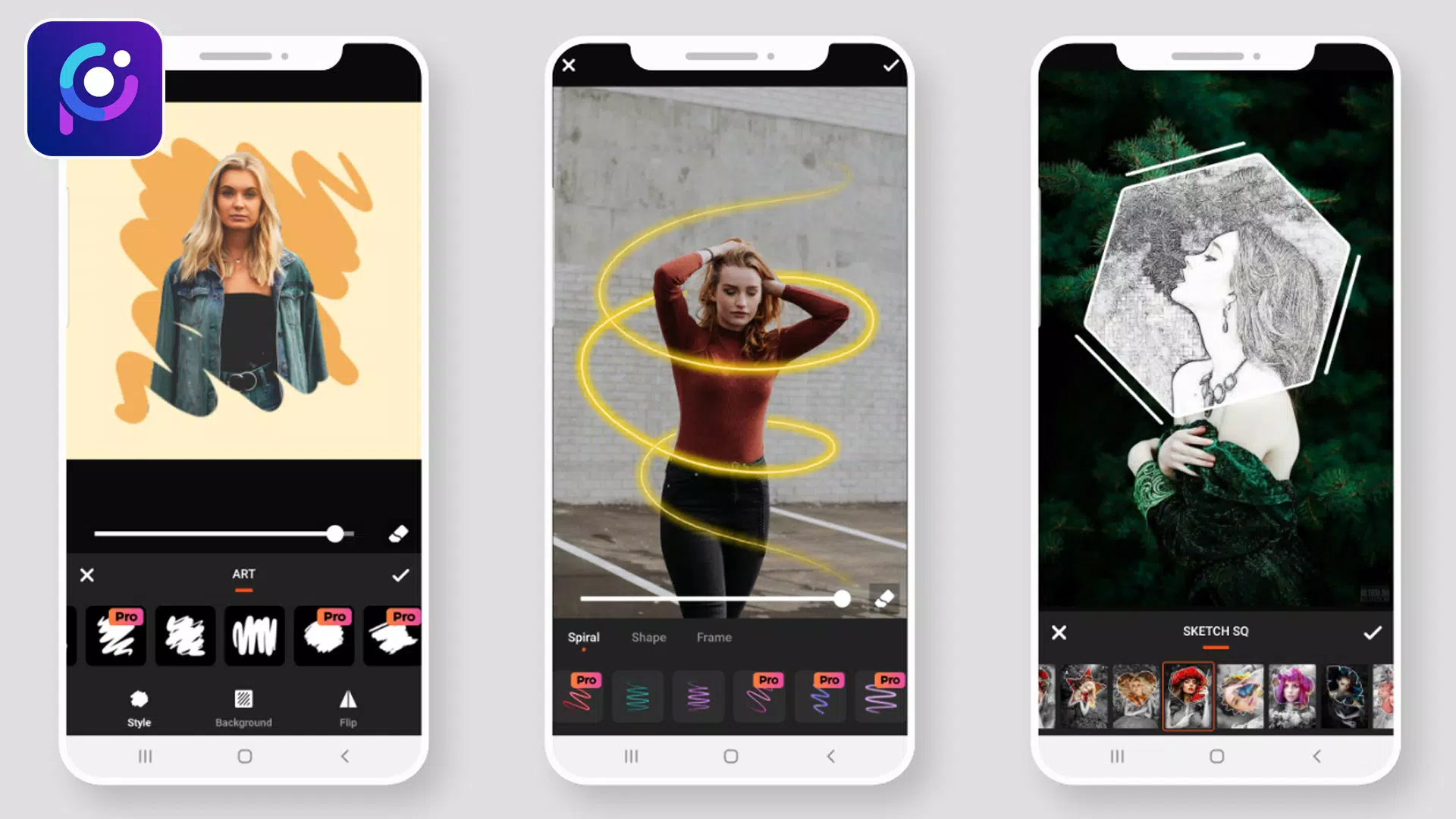
Photo Filters: Multiple effects to transform your images.
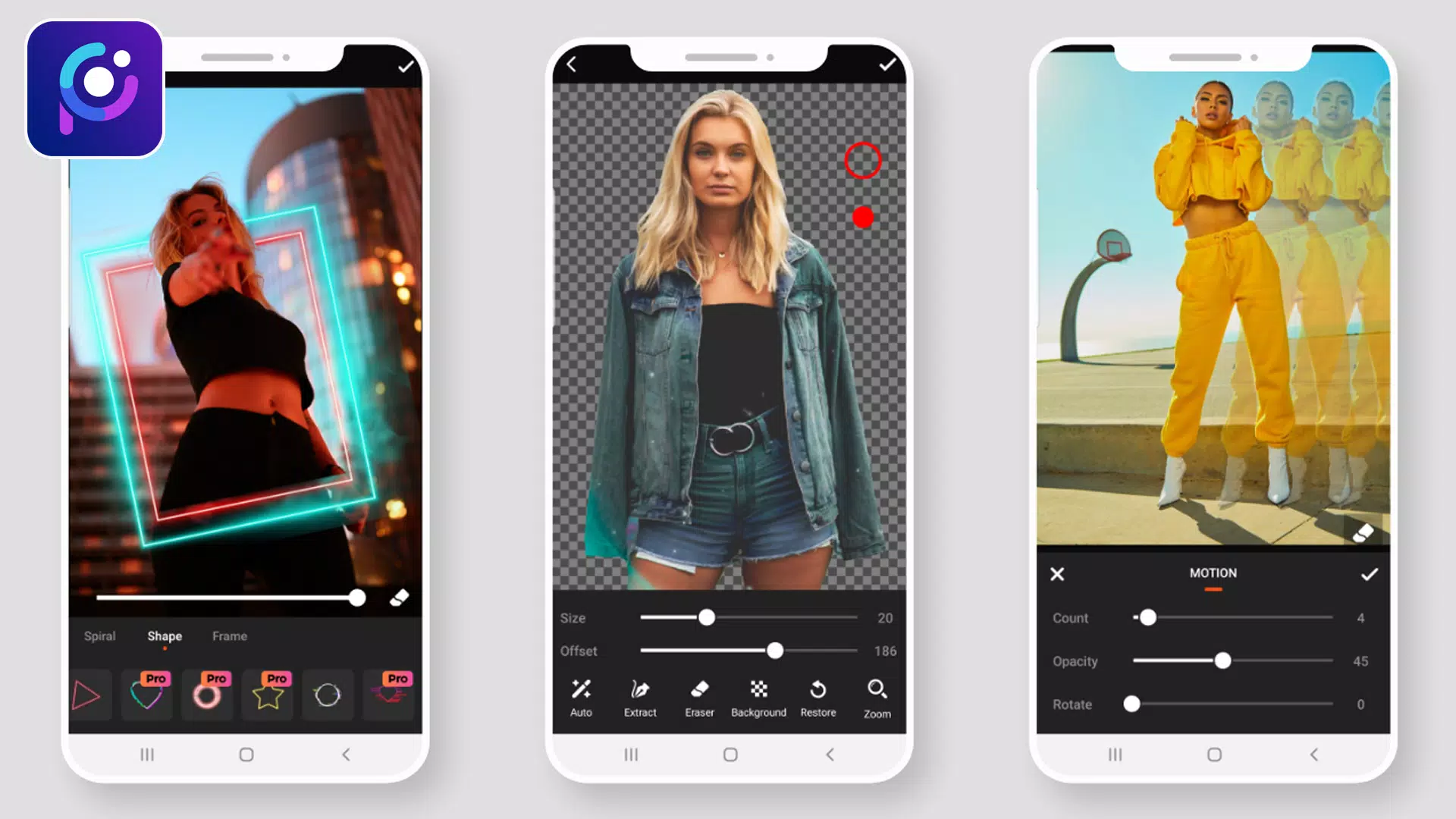
- Overlay Effect: Access 90+ effects with adjustable opacity for enhanced visuals.
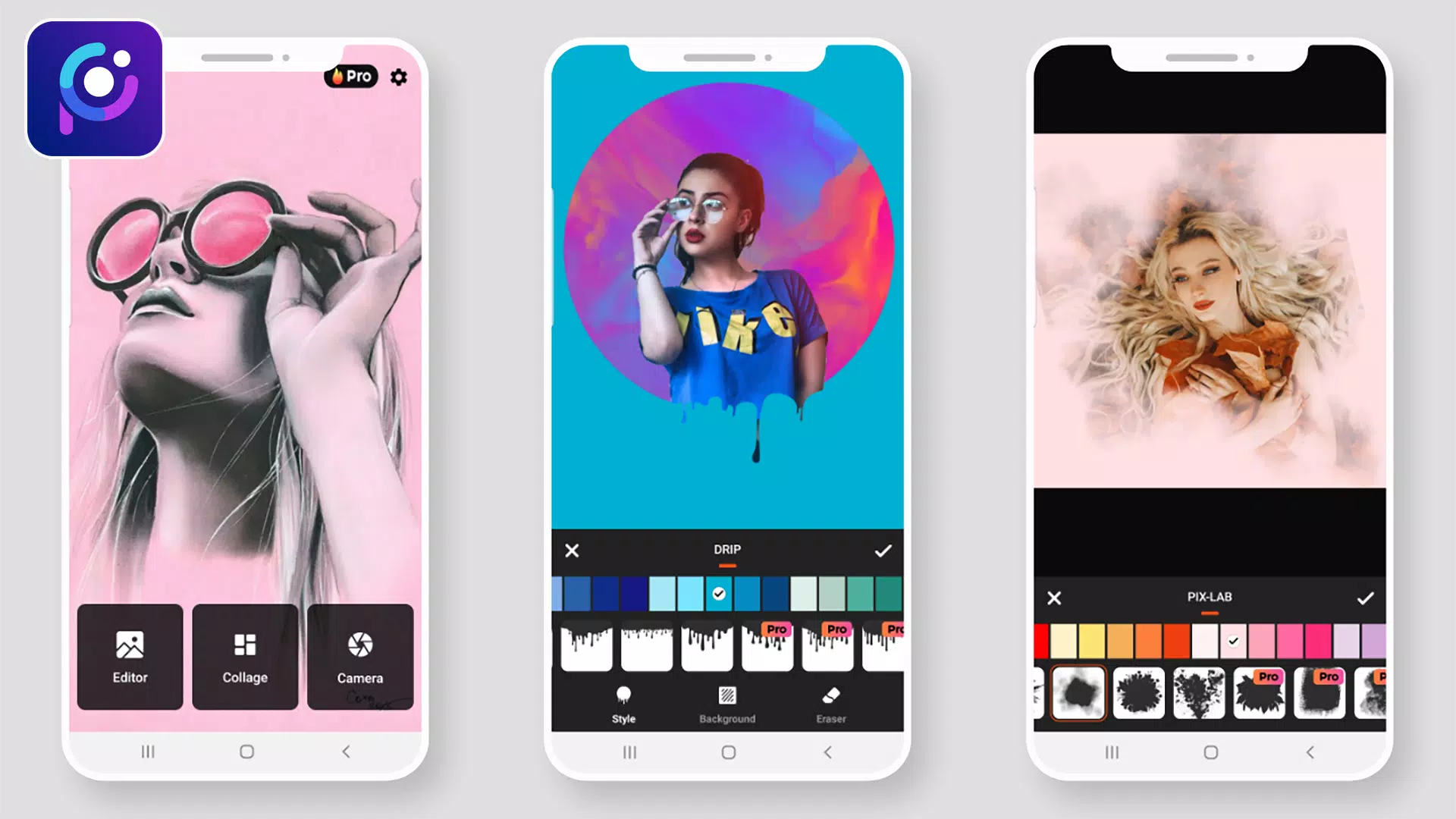
- Neon Photo Effect: Add vibrant neon outlines in various colors.
- Splash – Black & White: Convert photos to black and white using different filters.
- Drip Effect: Apply trendy drip art effects to your photo edits.
- Stickers: Browse sticker packs across categories in high resolution.
- Blur Photo – DSLR Effect: Focus on subjects while blurring backgrounds.
- Drip Art Effect: Incorporate drip art to make your photos distinctive.
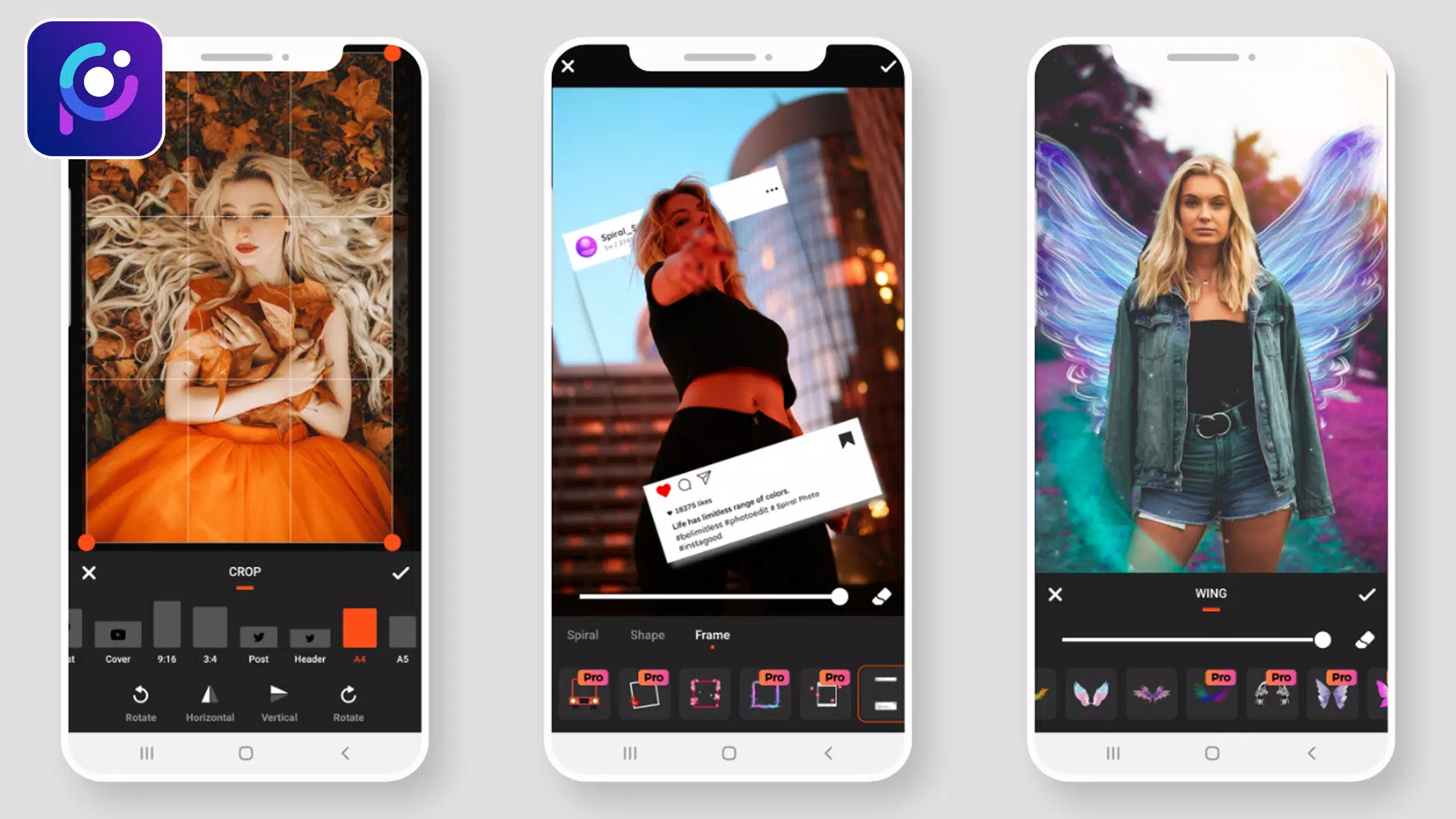
- Photo Frame: Choose colorful and gradient frames with adjustable borders.
- Crop & Rotate: Rotate images 360°, flip vertically or horizontally, and crop for social media formats.
- Add Text: Insert text and customize font, size, alignment, opacity, color, and background.
- Draw – Paint & Neon: Draw or write using paint and neon tools with customizable colors and sizes.
- Adjustment: Fine-tune brightness, contrast, warmth, hue, HSL, saturation, and more.
We welcome your feedback:
If you have questions or suggestions about Photo Editor Pro: Pic Collage Maker, please share your thoughts. We value user input and continuously work to improve your experience.
### What's New in the Latest Version 1.1.0
Last updated on Jul 10, 2021
Minor bug fixes and improvements. Install or update to the newest version to explore the enhancements!
Photo Editor Pro: Pic Collage 应用截图
用户评价
发表评价
热门游戏
热门应用










最新文章
更多

《机甲传说》武器指南
May 12,2026
《明日方舟:终末地》在科隆游戏展亮相类《工厂女孩》玩法
May 10,2026
宝可梦卡牌集换式游戏口袋版开启全新究极异兽掉落活动,现已上线
May 09,2026
使命召唤终结《战区》手游服务
May 05,2026
《战区》手游第四季加入末日内容
May 03,2026
《银河防线堡垒TD:专业致胜策略》
Apr 30,2026