


Application Description
Keep your Bring Digital Key up to date by using the Bring & T update app to install the latest software version.
Use the Bring & T update app to upgrade your Bring Digital Key software to the most recent version.
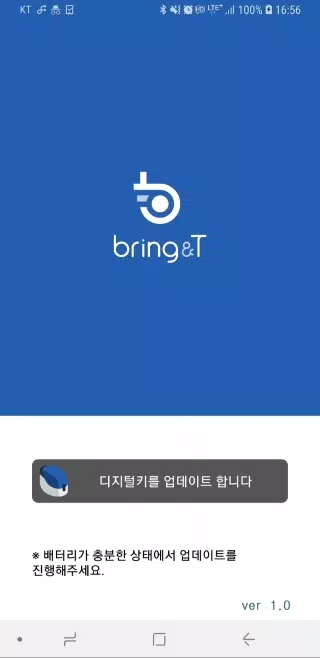
1. Launch the BringAnti update application.
2. Tap "Update digital key" located at the bottom of the screen.
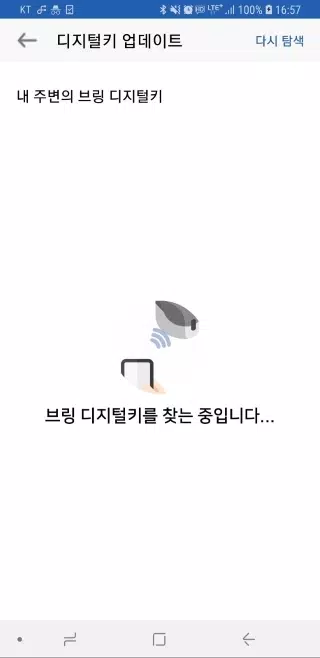
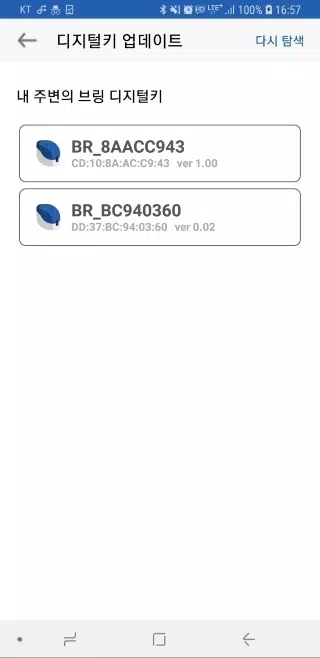
3. Choose the digital key labeled "BR_xxxxxxxx" from the displayed list.
If your digital key isn't visible, use the [Search again] button to retry the search.
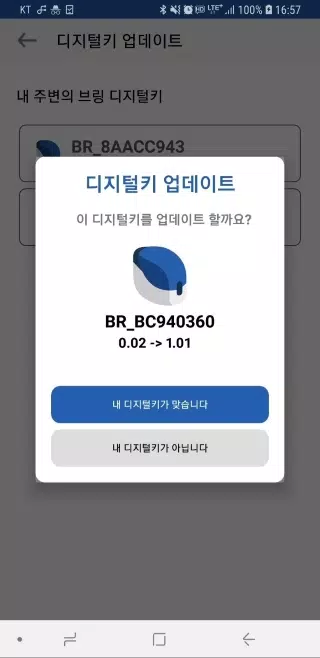
4. Once selected, you'll see both the current software version of your digital key and the new version available for update.
5. Confirm by pressing "Your device is correct" – the digital key's light will flash purple for 10 seconds.
During this time, briefly press the digital key's button for about half a second.
6. After a moment, the key's light will change from purple to blue, indicating the software update is complete.
7. Once finished, select "Close" to exit the application.
8. As this update transmits wirelessly, ensure the digital key remains near your device throughout the process.
9. The update cannot be interrupted once initiated (taking approximately 2-3 minutes), so ensure adequate battery life before starting.
10. Should the update pause or encounter an error, restart the application and try the process again.
11. Software updates are only available for registered digital keys.
Unregistered digital keys do not support software updates.
브링앤티 업데이트 Screenshots
Reviews
Post Comments
Trending Games
Trending apps












Topics
More
Top-Rated Productivity Tools to Boost Your Workflow
Mind-Bending Puzzle Games for Android
Best Productivity Apps to Boost Your Efficiency
Offline Puzzle Games to Play Anytime
Explore the World of Arcade Games
Best Casino Games Online
Beauty Apps: Your Guide to Stunning Looks
Top Rated Strategy Games on Google Play
Latest Articles
More