

Application Description
Experience the excellence of AutoGuard, the intelligent dashboard camera designed for you.
Elevate your smartphone's capabilities with AutoGuard, the premier Blackbox app, delivering exceptional performance.
Key Features
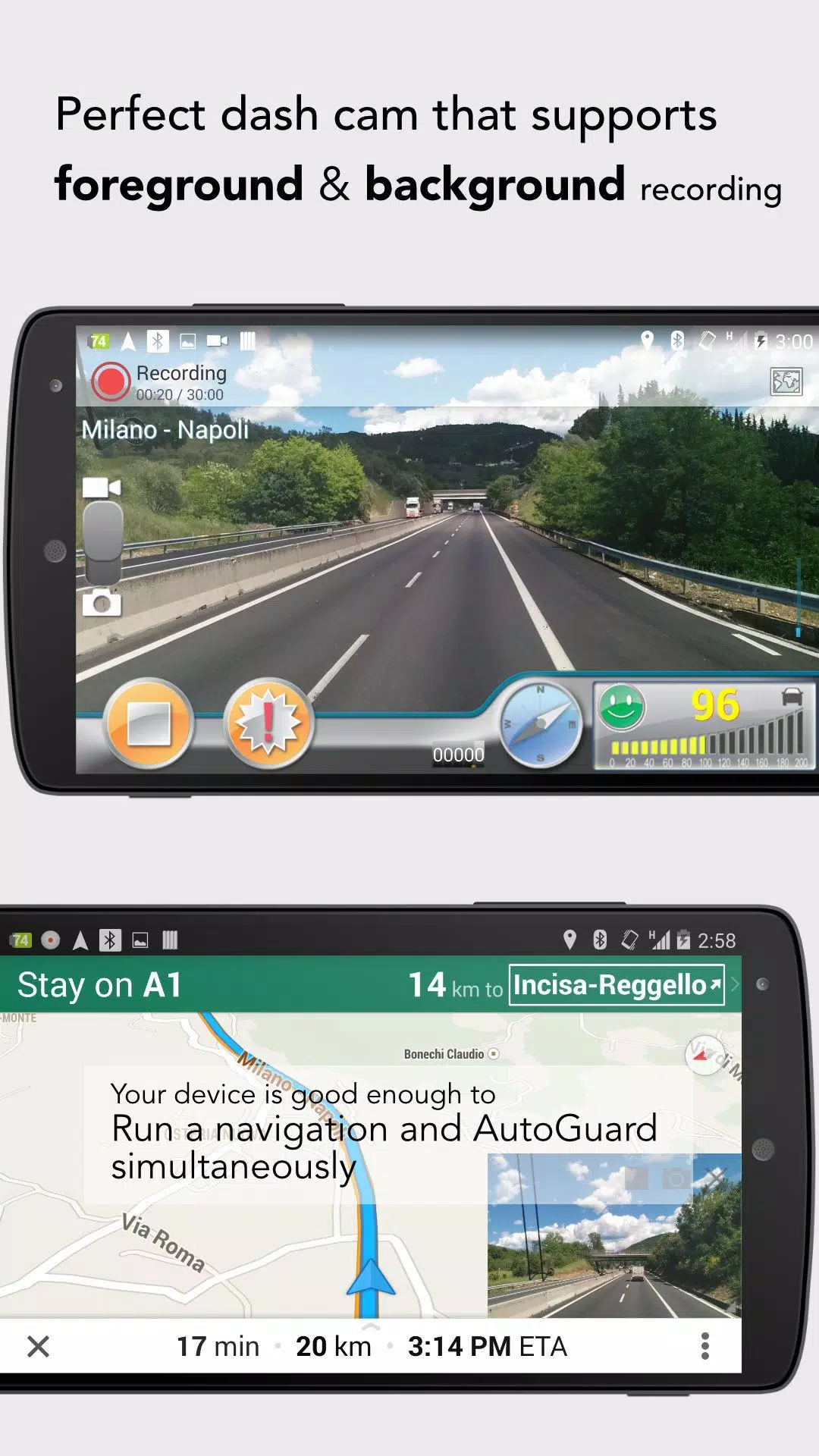
- (Pro) Background recording: Seamlessly multitask with other applications, like navigation.
- Upload videos directly to YouTube.com with embedded captions for location and time.
- Automatically capture photos in critical situations.
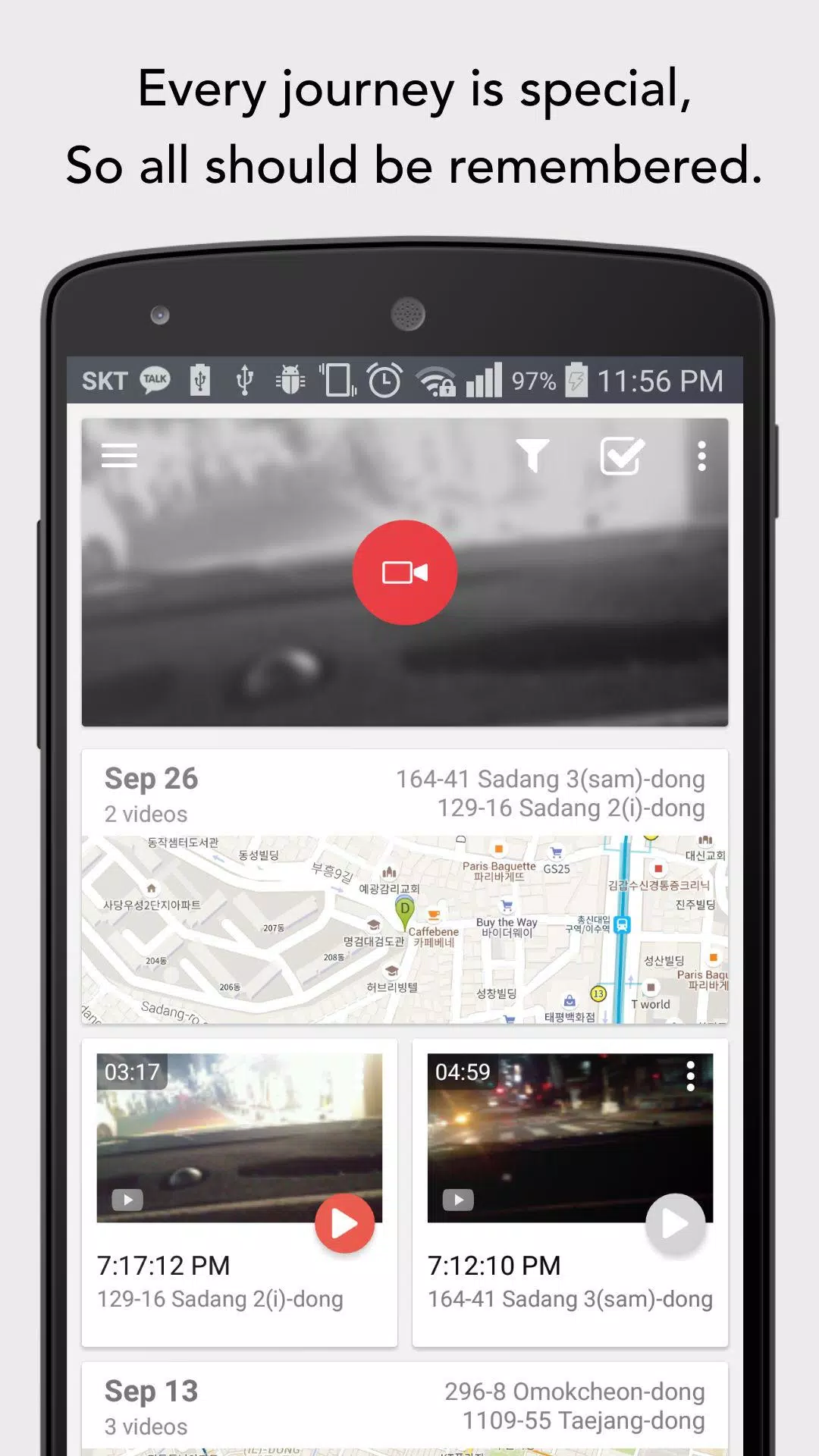
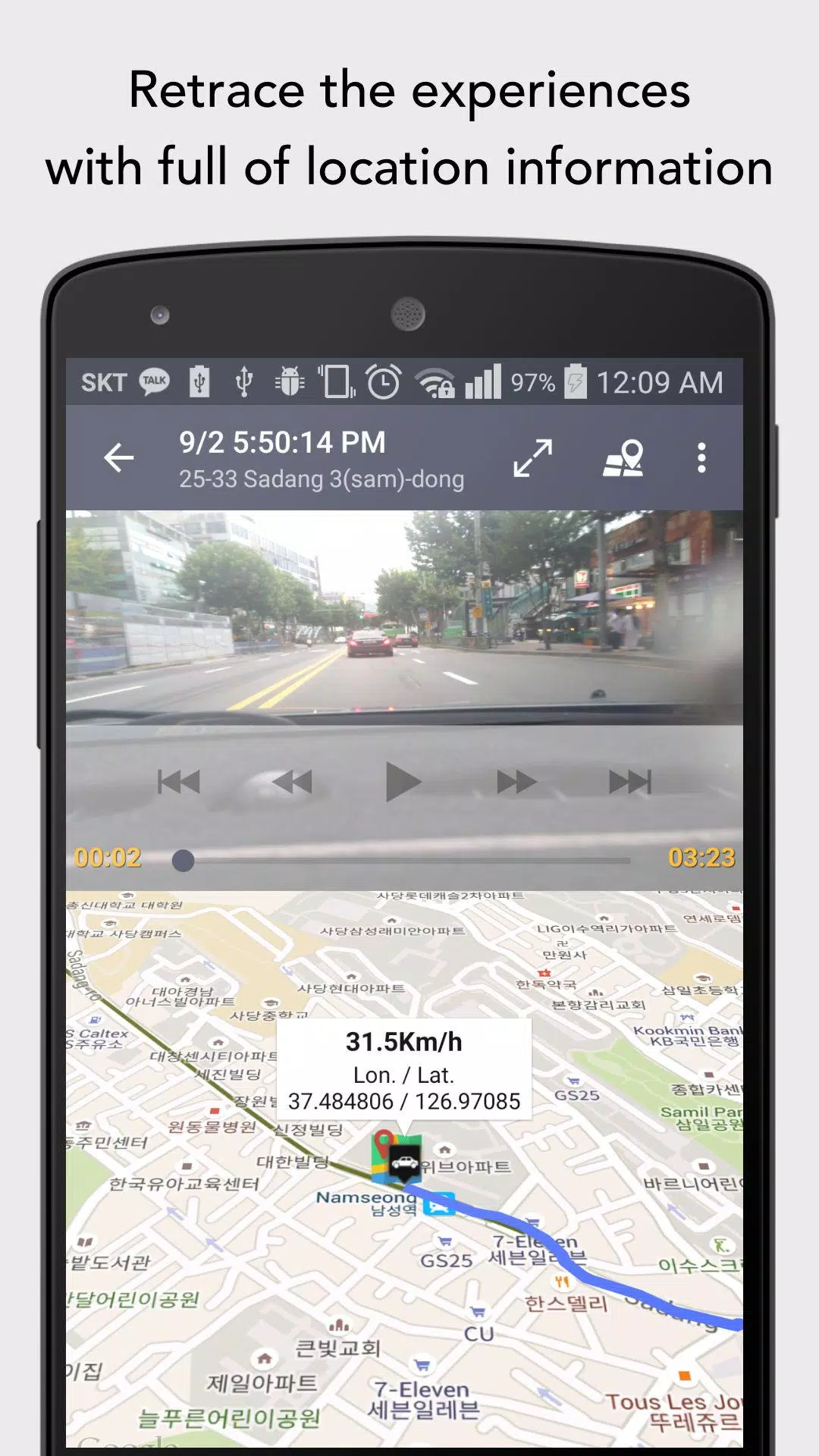
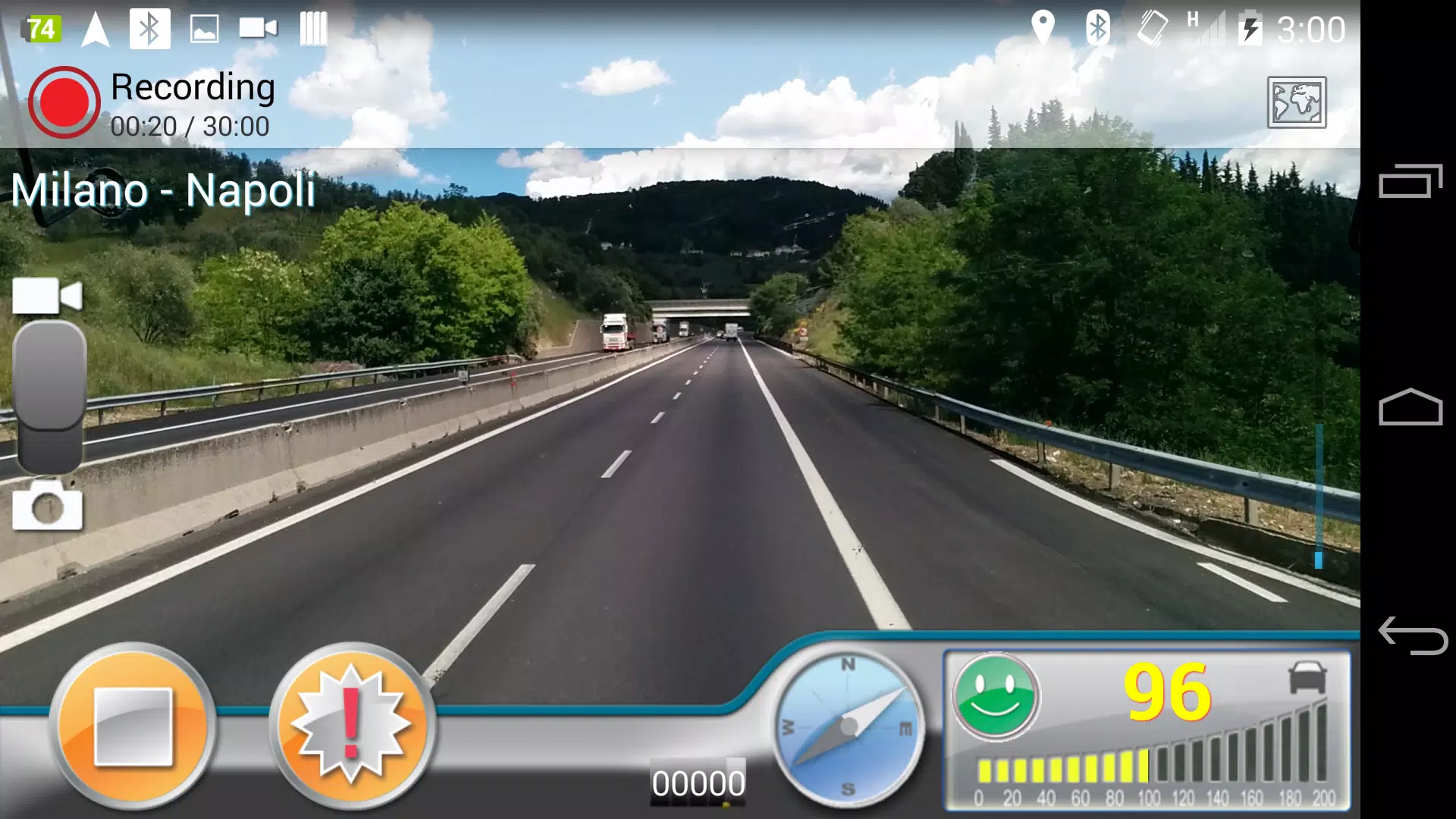
- Display synchronized video and map data on a single screen.
- Automatically initiate video recording upon connection with Bluetooth devices (Post-Android 11, a notification popup will appear due to privacy restrictions.)
- Records driving footage, speed, GPS coordinates, and the nearest address.
- Supports high-resolution recording.
- Tracks your driven route on interactive 3D Google Maps.
AutoGuard logs video of various lengths, acceleration, latitude, longitude, and speed.
Recording length can be limited to conserve phone storage. Once storage is full, the app automatically deletes the oldest videos, except those you've chosen to save.
AutoGuard Pro can be configured to start automatically with Bluetooth devices and operate in the background.
Customize video resolution, bitrate, accelerometer sensitivity, and GPS update frequency.
With the Pro Version (AutoGuard Pro Unlocker), enjoy an ad-free experience, sync videos to YouTube.com, and multitask AutoGuard with apps like Navigation or MP3 players.
Visit the AutoGuard homepage for more valuable information!
http://feedback.hovans.com
--------------------
Why does AutoGuard require contact permission?
- To list your Gmail accounts for uploading videos to YouTube.
- For referral verification.
AutoGuard accesses no information other than your Gmail address.
We welcome anyone interested in helping with translation.
Thank you. =:)
AutoGuard Screenshots
Reviews
Post Comments
Trending Games
Trending apps











Topics
More
Latest Articles
More