
Application Description
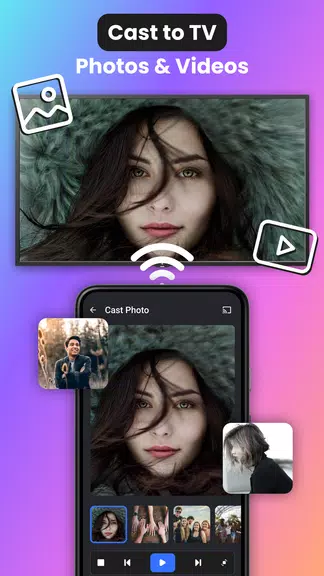
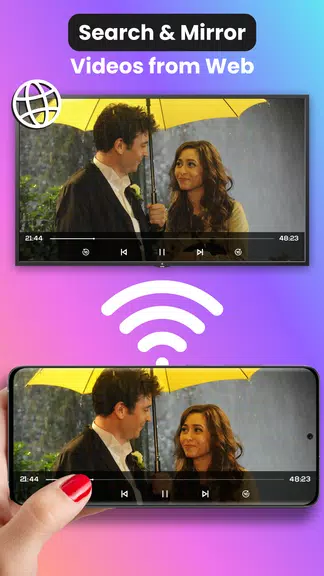
Discover the ultimate convenience of Cast for Chromecast: TV Cast! Effortlessly mirror your smartphone to your TV in high definition, bringing your favorite games, photos, videos, and apps to the big screen. Share your phone display with any WiFi-connected smart TV, making movie nights with loved ones more fun and engaging. Download now and revolutionize how you watch and share media with the top screen mirroring and casting tool.
Key Features of Cast for Chromecast: TV Cast:
* Screen Mirroring:
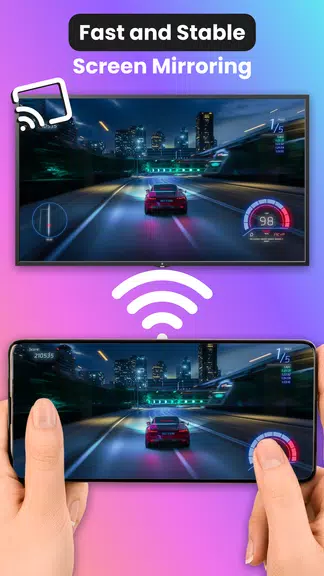
Change how you watch videos, play games, browse photos, and use apps by casting your smartphone screen to your TV in crisp quality.
* Share Movies:
Gather friends and family to enjoy films by casting your screen to a larger television.
* Compatibility:
Connect your Android phone or tablet seamlessly to smart TVs from Samsung, Roku, Sony, LG, Philips, Sharp, and Hisense.
* Free and Easy to Use:
Download the app for free and begin casting to your TV in just a few taps.
User Tips:
* Ensure your phone and TV are on the same WiFi network for smooth mirroring.
* Share videos and photos directly from your phone during parties for a superior group viewing experience.
* Explore the app’s settings and customization features to optimize screen mirroring.
* Try casting different apps and games to see how they appear on a larger display.
Conclusion:
Elevate your TV experience with Cast for Chromecast: TV Cast. Share movies, videos, photos, and more with family and friends on a bigger screen for deeper immersion and enjoyment. Download the app for free and start casting to your TV today.
Cast for Chromecast: TV Cast Screenshots
Reviews
Post Comments
Trending Games
Trending apps










Latest Articles
More