


Application Description
Perform diagnostics and configuration for Ford Focus 2 and C-Max I modules.
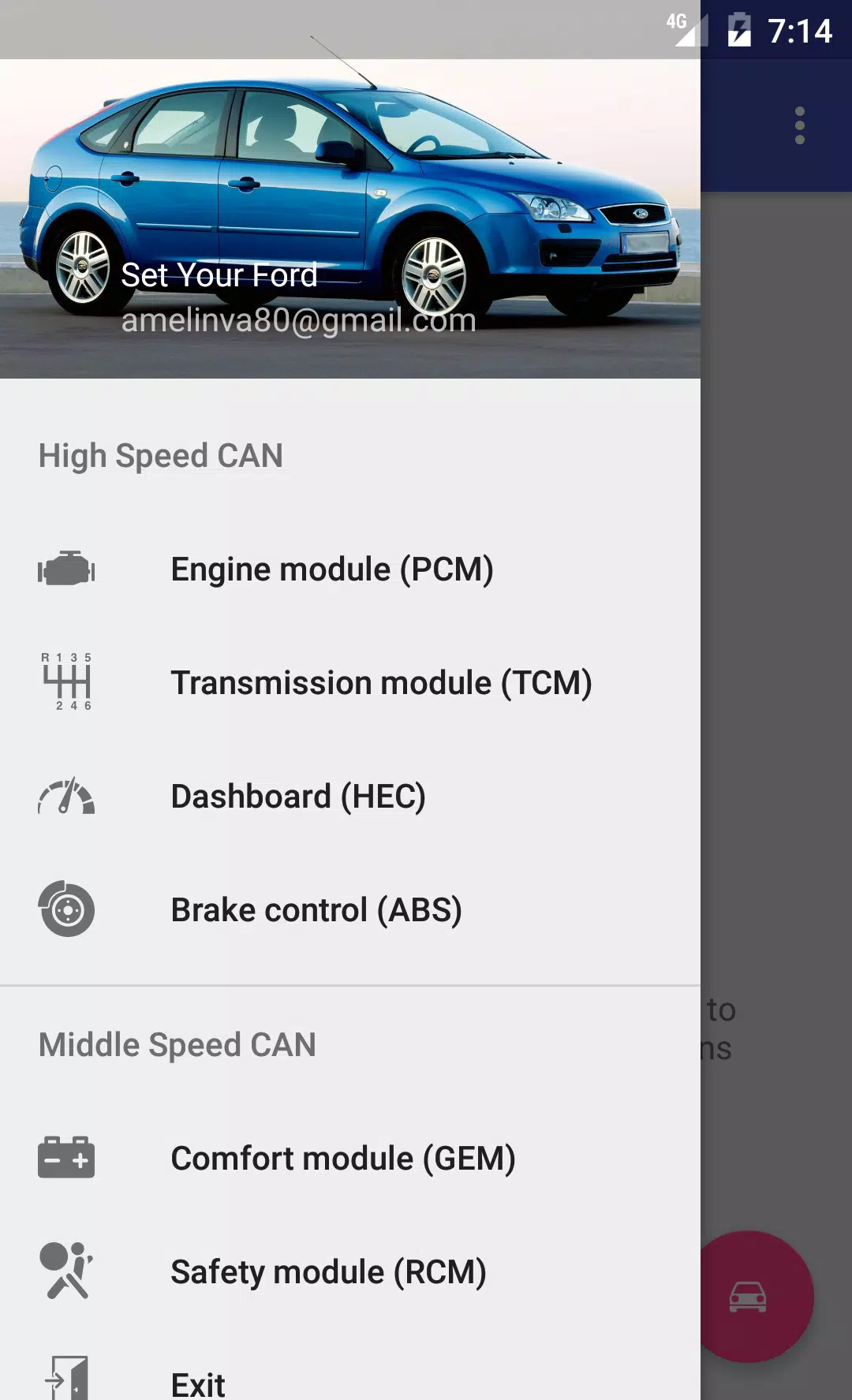
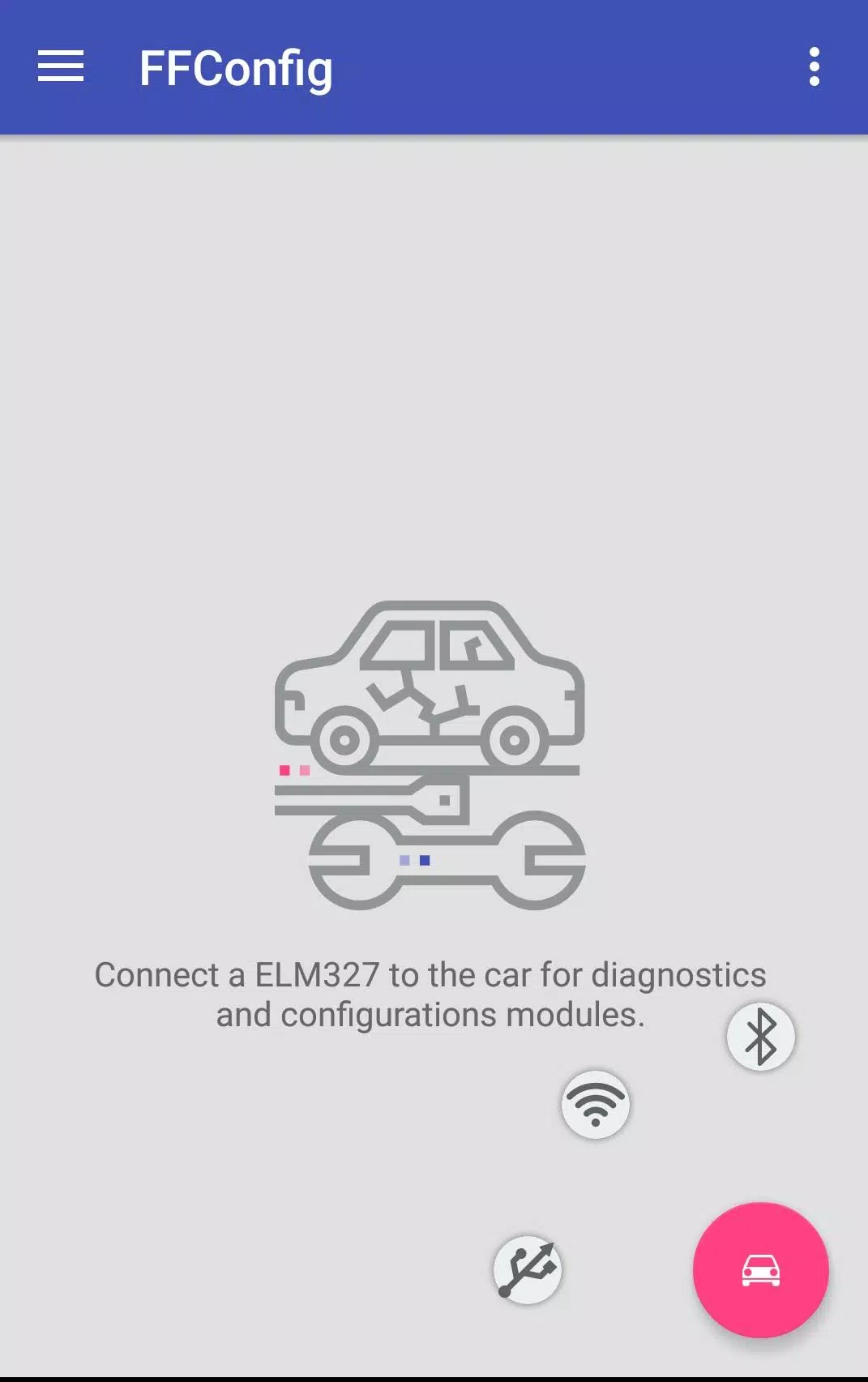
By connecting to your Ford Focus 2 or C-Max via an ELM327 or ELS27 adapter, you can interact with the following modules on the CAN-bus:
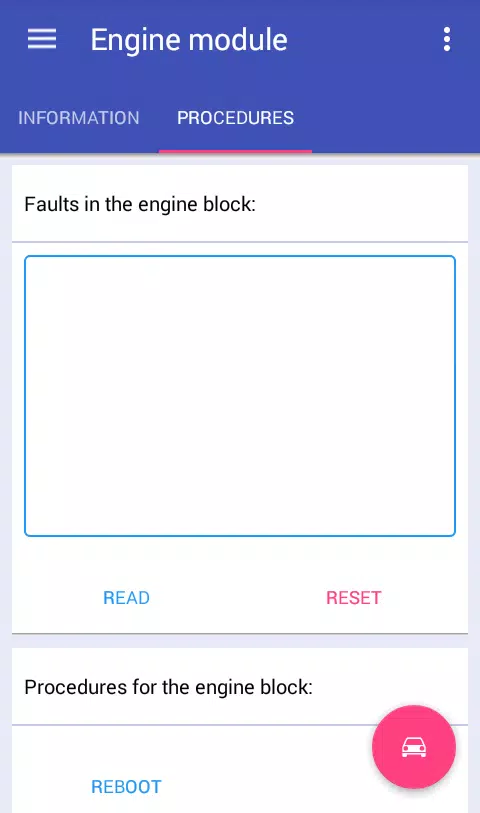
Engine Control Module: Access module information, read and clear fault codes, reboot the module, and reset long-term fuel trim (KAM)* for:
ESU-411/418 (1.8L 125 HP / 2.0L 145 HP)
SIM28/29 (1.4L 80 HP / 1.6L 100 HP / 115 HP)
ESU-121/131 (1.8L 120 HP / 2.0L 145 HP).
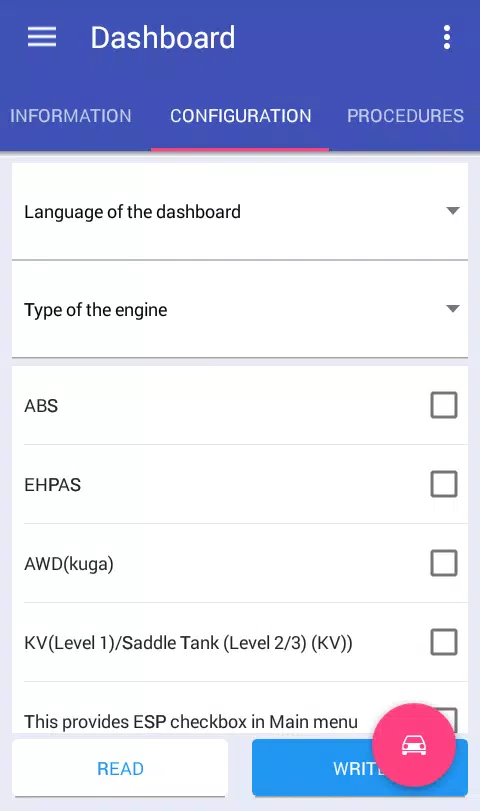
Instrument Cluster: View module details, read and clear errors, configure settings, reboot the module, change odometer units, and perform mileage correction*.
-Brake Control Module: Access module information, read and clear fault codes, adjust configurations, reboot the module, reset DDS calibration, and perform brake bleeding*.
-Comfort Module: Retrieve module information, read and clear error codes, adjust configuration settings*, and reboot the module.
-Safety Module: View module data, read and clear faults, modify configuration, reboot the module, and reset crash data*.
-Transmission Control Module: Access module information, read and clear error codes, and reset KAM*.
-Climate Control Module: View module details, read data, and clear error codes.
-Audio Module: Retrieve module information, read error codes, clear faults, and retrieve radio codes (for M series units)*.
*-Certain features require the full version of the application.
To unlock the application’s full potential and access additional vehicle modules, you’ll need to spend some time modifying your ELM327 adapter.
Configure the switch as described here:
Http://forffclub.narod.ru/index/0-2
ELS27 adapters are available at: https://els27.ru/. For ELS27USB, set the baud rate to 38400; for ELS27BT, use 2,000,000 with the ELS27 Baudrate utility.
FFConfigLite Screenshots
Reviews
Post Comments
Trending Games
Trending apps











Topics
More
Latest Articles
More